How to Deploy Code Llama on Vultr Cloud GPU
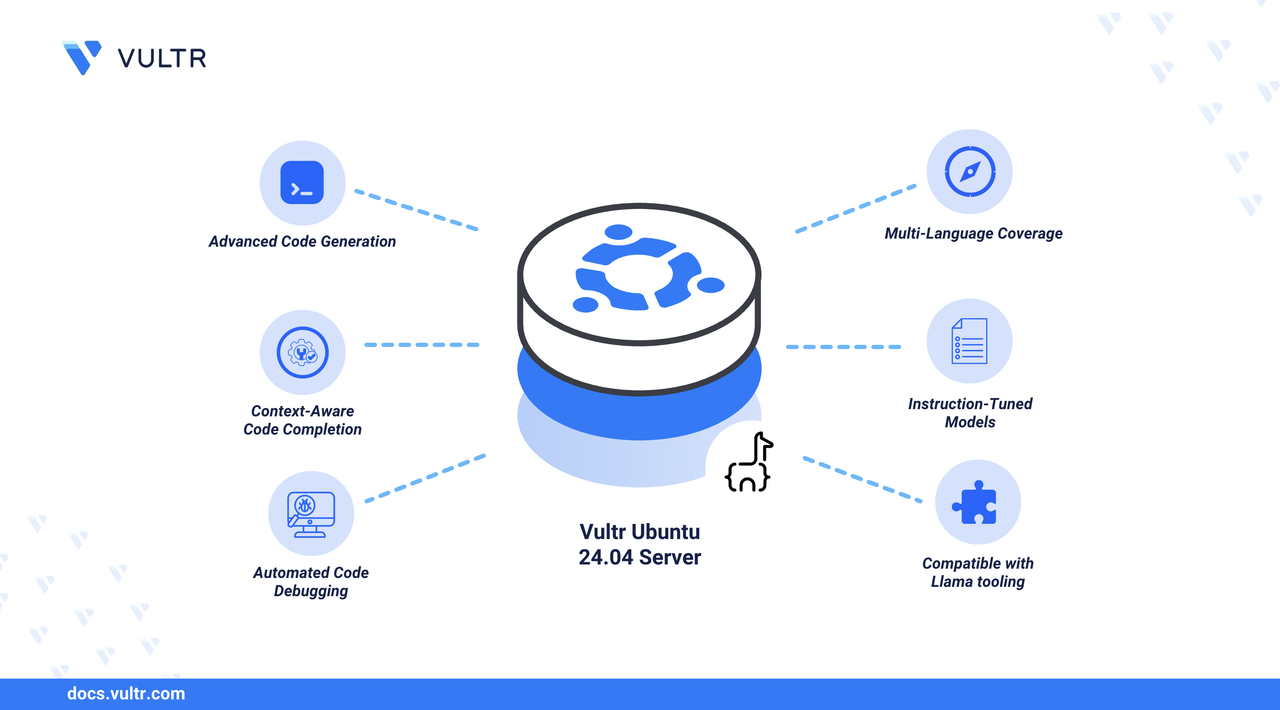
Code Llama is a large language model (LLM) developed by Meta for coding. You can use Code Llama to perform mundane coding tasks, including code generation, code completion, and code debugging using natural language prompts.
This guide outlines the process of running the Code Llama LLM on a GPU-enabled Ubuntu 24.04 server using Ollama as the model runtime.
Prerequisites
Before you begin, ensure you:
Have access to a Vultr Cloud GPU server with NVIDIA GPU based on Ubuntu 24.04 (with at least 16 GB VRAM) as a non-root sudo user.
Install Ollama
Ollama provides a lightweight runtime for running large language models. It installs as a system service and manages model downloads and execution without requiring manual configuration.
Download and install Ollama using the official installation script.
CONSOLEWarning
This command downloads the official Ollama installation script over HTTPS and immediately executes it on your system
(curl … | sh). While this is convenient, it grants the script full permission to run with your user’s privileges. Only run it if you trust the source (ollama.com) and your network connection is secure. For extra safety, you can download the script first, review its contents, and then run it manually.Verify the installed Ollama version.
CONSOLEThe output displays the installed Ollama version, confirming that the installation completed successfully.
Verify that the
ollamaservice is running.CONSOLEThe output should show the
ollamaservice as Active (running):Press the
Qkey to return to the terminal.
Deploy Code Llama Using Ollama
Ollama simplifies running large language models by automatically downloading the required model files and starting an interactive inference session. Follow the steps below to run Code Llama on your GPU-enabled system.
Download and start the Code Llama model.
CONSOLEThis command downloads the default Code Llama model (if not already present) and launches an interactive prompt.
Submit a test prompt to verify the model is working correctly.
CONSOLECode Llama generates a Python implementation of the quicksort algorithm, confirming that the model is running successfully.
Conclusion
You have deployed Code Llama on a GPU-enabled Ubuntu 24.04 server using Ollama as the model runtime. Ollama supports multiple Code Llama variants, including 7B, 13B, 34B, and 70B models, with larger models requiring significantly more GPU memory. For more information, visit the official blog about Code Llama.
Tags:Vultr Cloud GPU


0 Comments
Be the first to comment and share your perspective with the community.