How to Install n8n on Ubuntu 24.04
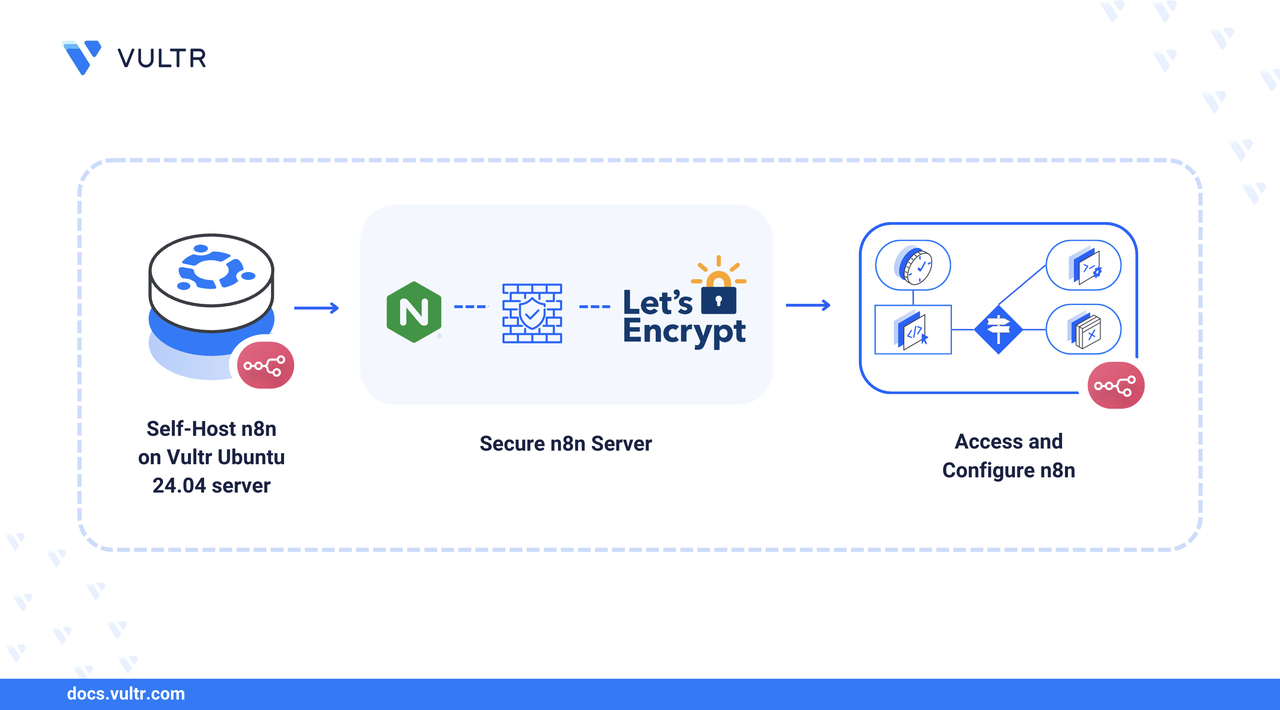
n8n is an open-source workflow automation tool that enables you to connect various services and automate repetitive tasks through a visual node-based interface. The platform supports many integrations and provides both no-code and low-code capabilities for building complex workflows.
This article explains installing and configuring n8n on Ubuntu 24.04 with Docker, setting up Nginx as a reverse proxy, and securing the installation with TLS certificates.
Prerequisites
Before you begin:
- Access a Ubuntu 24.04 based server as a non-root sudo user.
- Create a domain A record pointing to the instance's public IP address, such as,
n8n.example.com.
Install Docker and Docker Compose
Update the system packages.
CONSOLEInstall prerequisite packages for Docker repository management.
CONSOLEAdd Docker's official GPG key.
CONSOLEAdd the Docker repository to your system.
CONSOLEUpdate the package index.
CONSOLEInstall Docker Engine, CLI, and Docker Compose plugin.
CONSOLEAdd your user to the docker group to run Docker commands without sudo.
CONSOLEApply the group changes to your current terminal session.
CONSOLEVerify the Docker installation.
CONSOLE
Create n8n Directory Structure
This section covers setting up a dedicated directory structure for n8n configuration files and data persistence.
Create a directory for n8n.
CONSOLENavigate to the n8n directory.
CONSOLECreate a data directory for n8n persistence.
CONSOLECreate a directory for local file storage.
CONSOLEThe n8n container runs with UID 1000. Set proper ownership for the n8n data directory to match the container's user ID.
CONSOLE
Configure Docker Compose for n8n
In this section, create a Docker Compose configuration file for n8n.
Create a new Docker Compose configuration file.
CONSOLEAdd the following configuration to the file. Replace
n8n.example.comwith your actual domain.YAMLSave and close the file.
The above configuration creates an n8n container with persistent storage, HTTPS protocol settings, and support for webhooks.
Install and Configure Nginx
Nginx serves as a reverse proxy to handle HTTPS termination and forward requests to the n8n container. Install Nginx and create a server block configuration for your domain.
Install Nginx.
CONSOLECreate a new Nginx server block configuration. Replace
n8n.example.comwith your domain.CONSOLEAdd the following configuration to the file. Replace
n8n.example.comwith your domain.INISave and close the file.
The configuration includes WebSocket support and extended timeouts necessary for n8n's real-time updates and long-running workflows.
Create a symbolic link to enable the site.
CONSOLETest the Nginx configuration for syntax errors.
CONSOLEReload Nginx to apply the configuration.
CONSOLE
Configure Firewall Rules
In this section, configure your firewall rules to allow necessary traffic.
Allow HTTP traffic for initial setup and SSL certificate validation.
CONSOLEAllow HTTPS traffic for secure access.
CONSOLE
Install Certbot and Obtain TLS Certificate
Certbot automates TLS certificate generation and renewal using Let's Encrypt. Secure your n8n installation with HTTPS to protect data transmission and enable secure webhook endpoints.
Install Certbot and the Nginx plugin.
CONSOLEObtain an TLS certificate for your domain. Replace
n8n.example.comwith your domain andadmin@example.comwith your email address.CONSOLECertbot automatically modifies your Nginx configuration to include TLS settings and sets up automatic certificate renewal.
Test automatic certificate renewal.
CONSOLEA successful dry run confirms that automatic renewal is configured correctly.
Start n8n
In this section, deploy the n8n container using Docker Compose and verify the installation.
Navigate to the n8n directory.
CONSOLEStart n8n in detached mode.
CONSOLECheck the container status.
CONSOLEView the container logs to verify successful startup.
CONSOLESample Output:
Access and Configure n8n
Complete the initial setup by creating an admin account and configuring basic settings.
Open a web browser and navigate to your n8n domain.
Create your admin account by providing your email, name, and password.
Access the n8n workflow editor to start creating automations.
You can browse the available workflows from the Templates section, or create your own workflow agent.
Manage n8n Container
Use these commands to manage your n8n installation.
View Logs
Monitor n8n logs in real-time.
CONSOLE
Stop n8n
Stop the n8n container.
CONSOLE
Restart n8n
Restart the n8n container.
CONSOLE
Update n8n
Update to the latest n8n version.
CONSOLE
Conclusion
You have successfully installed n8n on Ubuntu 24.04 with Docker, configured Nginx as a reverse proxy, and secured the installation with TLS certificates. Your n8n server is now ready to create workflow automations. The containerized deployment ensures easy maintenance, updates, and scalability as your automation needs grow. For more information, visit the n8n documentation.




0 Comments
Be the first to comment and share your perspective with the community.