How to Rank Documents with VultronRetriever on Vultr Serverless Inference
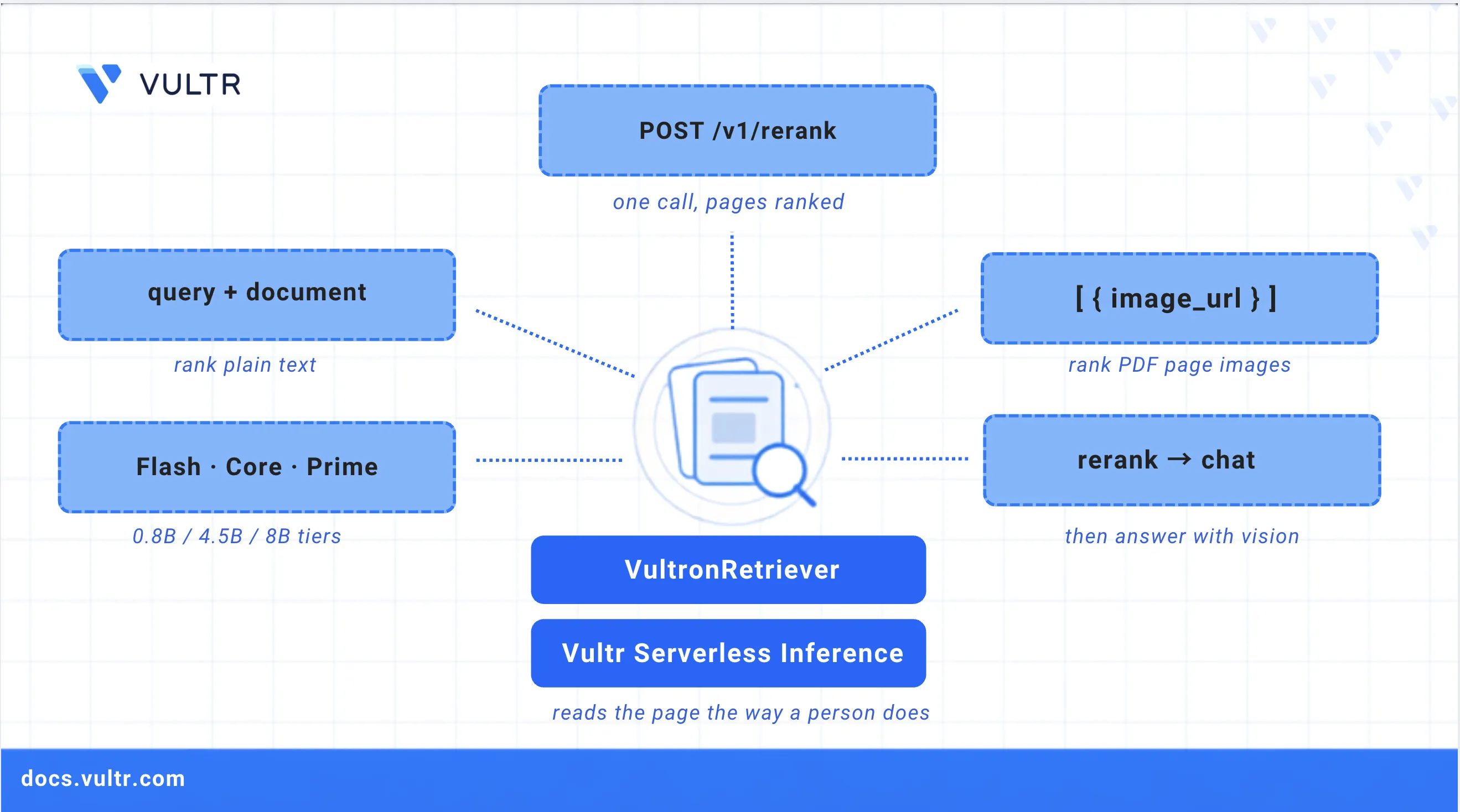
VultronRetriever is a family of visual document retrieval models available on Vultr Serverless Inference. Given a question and a set of document page images, such as PDF pages, scans, slides, or screenshots, the models score how relevant each page is to the question. Unlike text-based retrieval, they read each page visually, including its tables, charts, figures, and layout, with no optical character recognition (OCR) or text-extraction step. The page image itself is the document.
This guide explains how to use VultronRetriever on Vultr Serverless Inference to rank documents and pages by relevance. It covers authenticating with the application programming interface (API), ranking plain text documents, ranking document page images, and building a complete multimodal retrieval-augmented generation (RAG) pipeline that answers questions against a PDF. It also covers choosing a model tier, handling the API's limits, and scaling to large document sets.
VultronRetriever comes in three sizes:
Prerequisites
Before you begin, ensure you have:
- A Vultr account with a Serverless Inference subscription and its API key.
- An HTTP client such as
curlto send requests to the API. - Python 3.11 or later to run the multimodal RAG pipeline.
Authenticate with the API
Vultr Serverless Inference exposes an OpenAI-compatible API. All requests use the following base URL:
Export your Serverless Inference key as an environment variable so the commands throughout this guide can reference it in the bearer token header. Replace
YOUR_API_KEYwith your Serverless Inference key.CONSOLEList the models your key can access to confirm access and view the available VultronRetriever IDs.
CONSOLEThe three VultronRetriever models appear in the output, each with a
ReRankfeature.
Rank Text Documents
The /v1/rerank endpoint accepts a query and a list of documents, then returns them ordered by relevance. Start with plain text to confirm your setup before moving on to page images.
Send a rerank request with a query and four short documents.
CONSOLEThe response lists each returned document with a
relevance_score, sorted from most to least relevant. Thetop_nfield caps the response at the three highest-scoring documents:
The two transformer sentences score well above the unrelated ones, so relevant and irrelevant content separate clearly. Scores are relative to a single query, so compare them only within one response, not across different queries.
Rank Document Page Images
Ranking page images is the primary use case for these models. Pass each page as an image using OpenAI-style content parts. Each image document is an object with a content array that holds an image_url part, and the URL is a base64 data URI of the page.
Encode a page image as base64 and store it in a variable.
CONSOLESend a rerank request that mixes an image document with a plain text document.
CONSOLEThe image document must use the
{"content": [...]}shape shown above. A relevant page scores clearly higher than an unrelated one, in the same range as relevant text.
Warning
If you pass a bare data:image/jpeg;base64,... string as a document, the API does not return an error. It treats the base64 characters as text and returns a low, meaningless score, around the same value as unrelated text. Always wrap page images in the {"content": [...]} object.
Build a Multimodal RAG Pipeline
The following script combines the pieces into one file. It renders each PDF page to a compressed image, ranks the pages with VultronRetriever, and passes the highest-ranked page to a vision chat model on the same API for the final answer.
Update the package index.
CONSOLEInstall the
python3-venvpackage, which ships separately from Python on Debian and Ubuntu.CONSOLECreate a virtual environment to isolate the dependencies from system packages.
CONSOLEActivate the virtual environment.
CONSOLEInstall the dependencies.
CONSOLECreate the script file.
CONSOLEAdd the following content to the file.
PYTHONSave and close the file.
Set your API key.
CONSOLERun the script against any PDF. Replace
"What was Q3 revenue?"with your question andreport.pdfwith the path to your PDF.CONSOLEThe script prints the page ranking, then the model's answer drawn only from the top-ranked page:
Choose a Model Tier
All three tiers accept identical requests, so switching between them is a one-line change to the model field. Start with Flash (0.8B). It responds in a couple of seconds for dozens of pages and ranks accurately on typical documents. Move up to Core (4.5B) or Prime (8B) when your documents are dense or cluttered, or when the answer depends on fine-grained details inside table cells.
Handle API Limits and Errors
Keep the following limits in mind when sending requests:
Resolve the most common errors as follows:
HTTP 413: The request body exceeds ~1 MB. Compress images further or send fewer pages per call.HTTP 400validation error: Check the document shape. Text documents are plain strings, while image documents use the{"content": [{"type": "image_url", "image_url": {"url": "data:image/jpeg;base64,..."}}]}shape.- Scores all low and similar (~1.5 to 2): The request passes a base64 image as a bare string, so the API scores it as text. Use the content-parts shape.
- Empty answer from the chat model: Raise
max_tokens. Reasoning models spend tokens on reasoning before the answer, so allow at least 1000.
Scale to Large Document Sets
The /v1/rerank endpoint re-reads every page on each query, which suits document sets of tens to a few hundred pages. To search thousands of pages, the same models support an index-based pattern that embeds every page once, stores the embeddings in a vector database, and answers each query with a fast index lookup.
This pattern runs the model yourself, because Serverless Inference does not expose an embeddings route for these models. The open weights are on Hugging Face, and you can serve them with vLLM on a Vultr Cloud GPU instance, storing multi-vector embeddings in a vector database such as Qdrant, which supports the models' MaxSim scoring natively. Each model card includes ready-to-run vLLM code:
Flash runs comfortably on a single mid-range GPU.
Conclusion
You have used VultronRetriever on Vultr Serverless Inference to rank text documents and document page images, and built a multimodal RAG pipeline that answers questions directly from PDF pages. Because the models read pages visually, they capture the tables, charts, and layout that text extraction misses, with no OCR step. For larger corpora, serve the open-weight models yourself to enable index-based retrieval. For more information, refer to the Vultr Serverless Inference documentation and the model cards on Hugging Face.


0 Comments
Be the first to comment and share your perspective with the community.