How to Write to a File in Bash
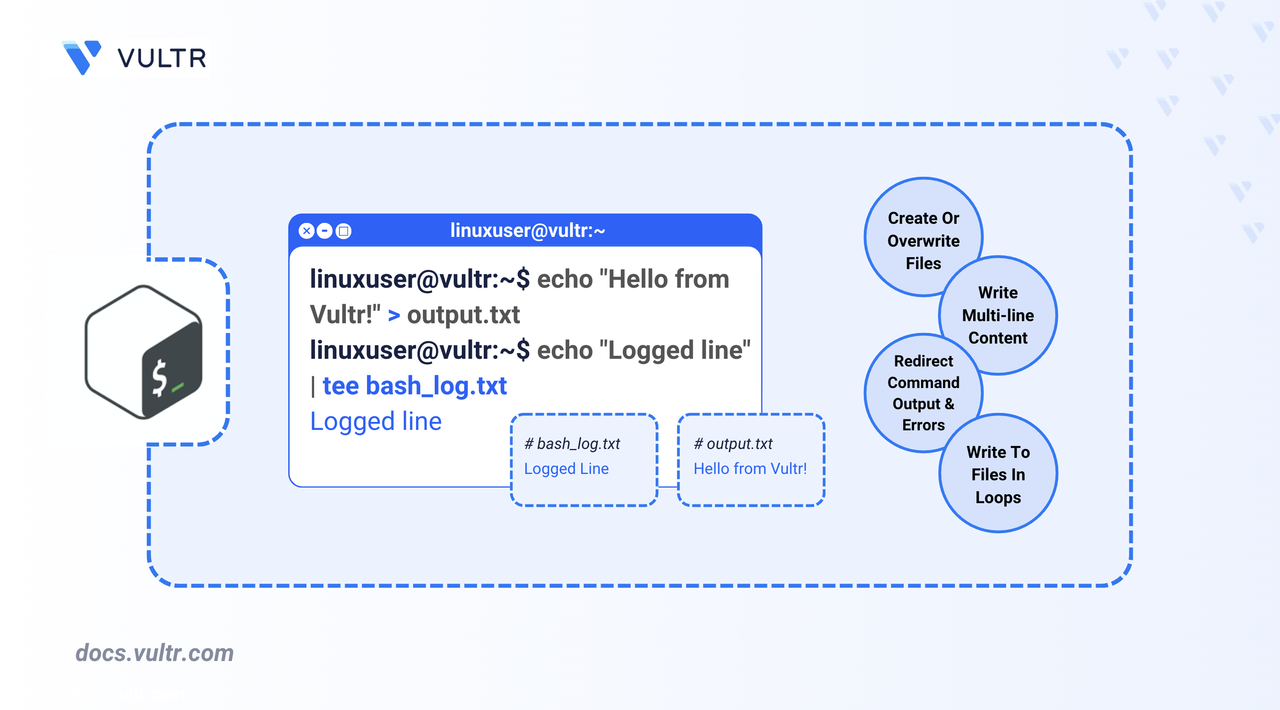
Writing to files is a fundamental task in Bash scripting. You can use it to save program output, store user input, or create configuration files. Knowing how to write to a file using Bash is useful for automation and scripting tasks.
This article covers various methods for writing to files in Bash, from simple redirection to using loops and command substitution for more advanced tasks.
Use Output Redirection
In Bash, you can use the > and >> output redirection operators to write a file.
Overwrite a File Using >
Use the > operator to completely overwrite an existing file or create a new one.
CONSOLE
This command:
- Creates
output.txtif it doesn't exist and writesHello from Vultr!. - If the file exists, its content is replaced with
Hello from Vultr!.
Append to a File Using >>
Use the >> operator to append data without overwriting its existing content.
CONSOLE
This appends the line Greetings from Vultr! to output.txt, preserving any existing content. It helps maintain logs or incrementally store data in a file.
Write Output of a Command to a File
You can redirect the output of any command to a file.
Overwrite a file with the command's output.
CONSOLEThis command saves the list of files in the
/home/userdirectory tobash_file.txt, overwriting any existing content.Append a file with the command's output.
CONSOLEThis keeps the existing content and adds new entries to the end of the file.
You can also redirect both standard output and standard error to a file. In Bash,
1represents stdout and2represents stderr.CONSOLEHere, the
2>&1redirects the standard error (stderr) to the same place as stdout. This is helpful when capturing complete command output, including errors.
Use tee to Write and Display Output
The
teecommand allows you to write output to both the terminal and one or more files.CONSOLETo append instead of overwrite, use the
-aflag.CONSOLEThis is useful when debugging or when output needs to be both stored and monitored in real time.
Use a Here Document
Heredoc allows you to pass multi-line text to a command. You can use it with cat or tee to write multi-line content to a file in Bash. It starts from << followed by the specified delimiter (e.g., EOF).
BASH
- The
<<EOFstarts the Heredoc, and declaresEOFas the delimiter, meaning the command reads the line until it encountersEOF. - The
>is the output redirector.
This command creates or overwrites bash_config.txt with the specified configuration block.
If you want to append the lines instead of overwriting, use the >> redirector.
BASH
Using this method, the script can generate structured configuration files.
Write to a File in a Loop
You can write to a file multiple times inside a loop. This is useful for generating logs or creating structured files.
BASH
Each iteration of the loop appends a new line to bash_loop_output.txt.
Handle Errors When Writing to Files
This section shows how to manage the script when a write operation fails in your script.
To ensure the write was successful, check the command's exit status.
BASHThe
$?variable stores the exit status of the previous command. You can also add a lineset -ebefore the write command. This stops the script execution when any command fails.You can also check file permissions before attempting a write using
-w.BASHThis checks if
bashfile.txtis writable and outputs a message accordingly
Use File Descriptors for Advanced Control
If your script writes output to multiple files (or output streams), you can label them with a numeric value using the exec command. This created a file descriptor. To close it, you need to add a line exec <descriptor>&-.
As mentioned previously, in Bash, 1 represents stdout and 2 represents stderr. So you can allocate your output streams values greater than 2.
BASH
- This opens file descriptor
3for writing - Writes
Writing with FD 3to it. - Closes the file descriptor
3.
Conclusion
You now understand multiple ways to write to files in Bash - from redirection and command output to using tee, loops, Heredoc, and file descriptors. Practice combining these techniques to build more powerful and flexible scripts.
Tags:Bash


0 Comments
Be the first to comment and share your perspective with the community.