How to Deploy Metabase - Open-Source Business Intelligence Tool
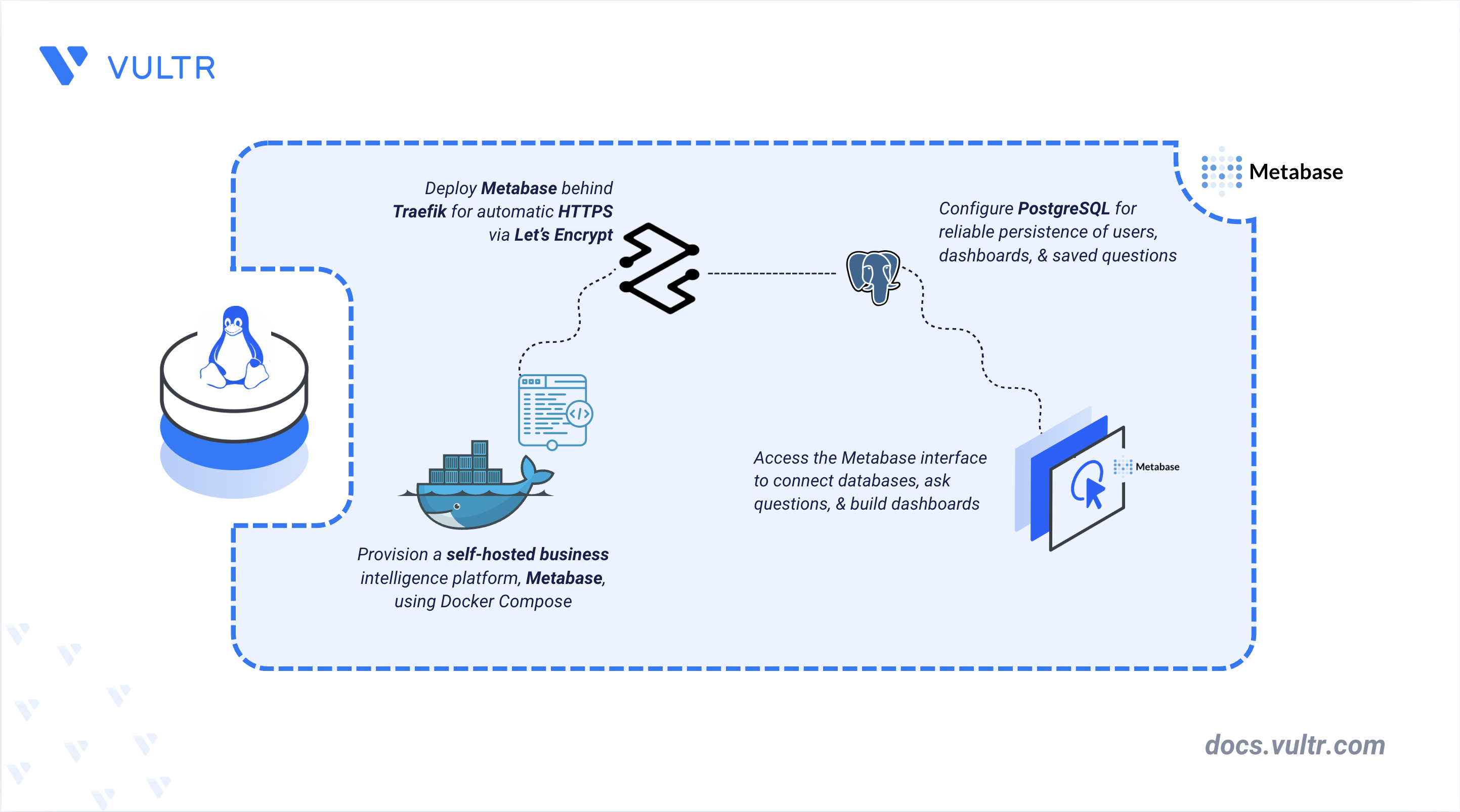
Metabase is an open-source business intelligence (BI) tool that lets you explore data, build dashboards, and share reports from a web browser. Teams often self-host Metabase because it connects to common databases such as PostgreSQL, MySQL, MariaDB, and SQL Server.
This article explains how to deploy Metabase on a Linux server using Docker Compose, with a PostgreSQL backend and Traefik providing automatic HTTPS. It covers directory and environment variable setup, deployment, and completing the initial administrator setup through the web interface.
Prerequisites
Before you begin, you need to:
- Have access to a Linux server (with at least 2 vCPUs and 4 GB of RAM) as a non-root user with sudo privileges.
- Install Docker Engine and the Docker Compose plugin.
- Create a DNS A record pointing to your server's IP address (for example,
metabase.example.com).
Set Up the Project Directory and Environment Variables
Metabase stores application data, such as users, dashboards, and saved questions, in PostgreSQL. This section creates the project directory and the environment file used by the Compose stack.
Create the project directory.
CONSOLENavigate to the project directory.
CONSOLEGenerate a random key that Metabase uses to encrypt stored data-source credentials.
CONSOLESave the output for use in the environment file.
Create an environment file to store configuration variables.
CONSOLEAdd the following configuration. Replace
YOUR_DB_PASSWORDwith a strong password,YOUR_ENCRYPTION_KEYwith the output from the previousopensslcommand,metabase.example.comwith your domain name, andADMIN_EMAILwith a deliverable email address for Let's Encrypt renewal notices.INISave and close the file.
Deploy with Docker Compose
The deployment stack consists of Traefik for reverse proxy and certificate management, plus the Metabase and PostgreSQL containers on a shared bridge network. This configuration uses the official Metabase container image version v0.50.21.
Create the Docker Compose manifest.
CONSOLEAdd the following content.
YAMLSave and close the file.
In the above manifest:
postgres: Runs PostgreSQL 16 as the database that stores Metabase's users, dashboards, and saved questions.metabase: Runs the Metabase application server. It starts only after PostgreSQL reports healthy, and its Traefik labels register it for automatic HTTPS on the configuredDOMAIN.traefik: Serves as the reverse proxy and TLS termination point. It listens on ports80and443, redirects HTTP to HTTPS, and provisions Let's Encrypt certificates.mem_limitandloggingcap each container's memory and rotate its logs, preventing either from exhausting the server's resources.
Launch the containers.
CONSOLEVerify that the services are running.
CONSOLEThe output displays all three containers in an
Upstate, with a healthy status shown formetabase-postgresandmetabaseonce their health checks pass.Query the Metabase health endpoint through your domain.
CONSOLEYour output should be similar to the one below:
View the service logs to confirm Metabase loaded the configuration successfully.
CONSOLEThe output displays PostgreSQL accepting connections and Metabase completing its startup migrations, which take one to two minutes. Press Ctrl + C to stop following the logs once the service reports that it has started.
For more information on managing a Docker Compose stack, see the How to Use Docker Compose article.
Access Metabase and Complete the Initial Setup
Open Metabase in a browser and complete the first-run wizard.
Open your domain over HTTPS in a browser. Replace
metabase.example.comwith your domain.Select your preferred language.
Create the initial administrator account by entering your name, email address, and password.
When prompted to add your first data source, configure one or skip this step and add it later.
The initial setup is complete. Any databases you connect through the interface stay separate from the PostgreSQL container, which stores only Metabase's own metadata.
Conclusion
You have deployed Metabase on a Linux server using Docker Compose with Traefik for automatic HTTPS and PostgreSQL for persistent data storage. You can now connect additional databases and build dashboards to explore your data. For more information, visit the official Metabase documentation.
Tags:Open Source


0 Comments
Be the first to comment and share your perspective with the community.