How to Deploy NATS – High-Performance Messaging
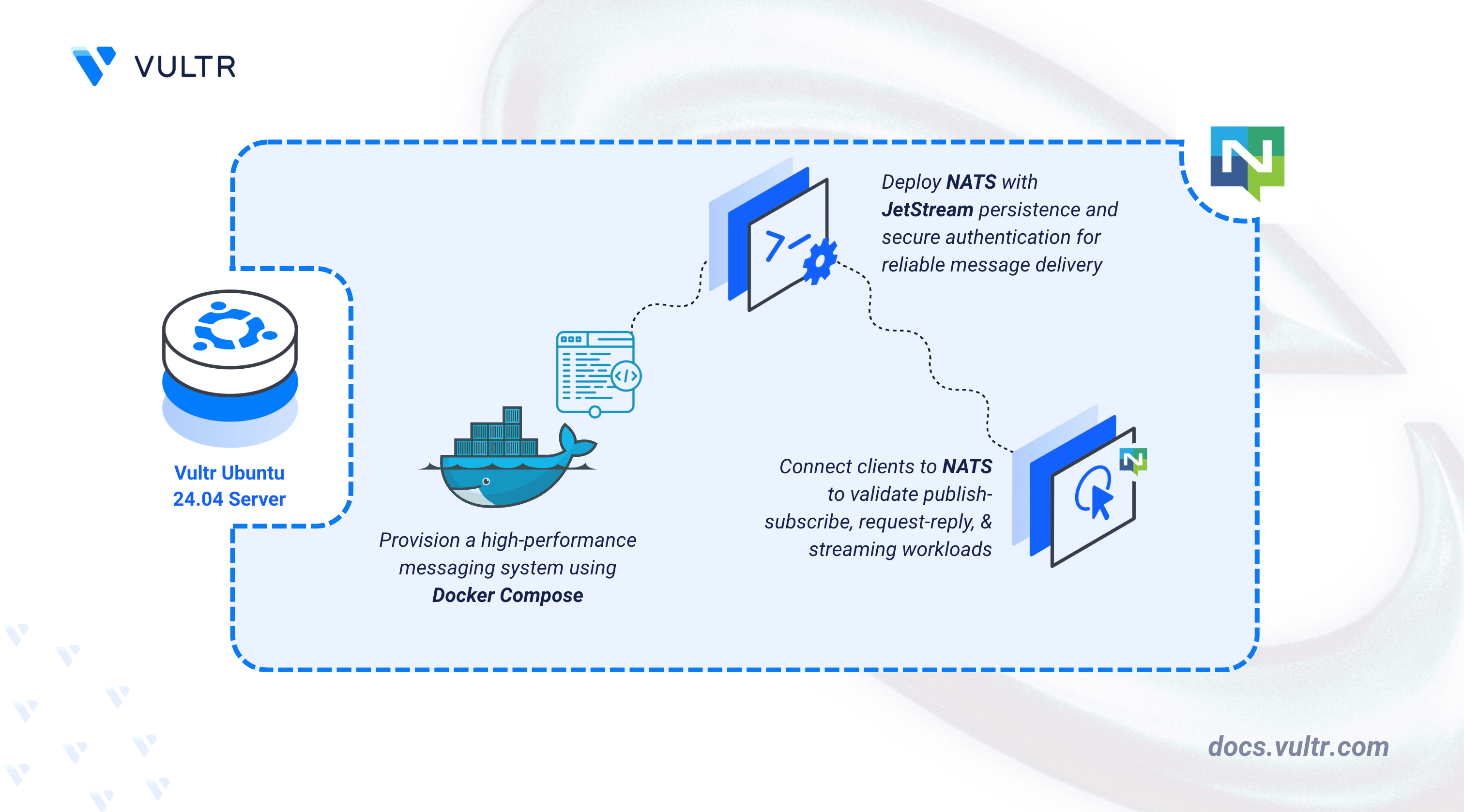
NATS is a lightweight, high-performance messaging system designed for distributed and cloud-native applications. It supports publish-subscribe, request-reply, and streaming workloads through JetStream. NATS is widely used for microservices communication, event-driven systems, IoT messaging, and real-time data pipelines.
This article explains how to deploy NATS using Docker Compose, enable JetStream persistence, configure authentication and authorization, and verify client connectivity using the NATS CLI.
Prerequisites
Before you begin, you need to:
- Have access to an Ubuntu 24.04-based server as a non-root user with sudo privileges.
- Install Docker and Docker Compose.
Set Up the Directory Structure and Environment Variables
In this section, you create the required directory structure for NATS and define environment variables in a .env file that Docker Compose loads automatically.
Create the project directory.
CONSOLENavigate into the project directory.
CONSOLECreate and edit the
.envfile.CONSOLEAdd the following variables:
INIReplace:
NATS_CLIENT_PORTwith the client connection port.NATS_CLUSTER_PORTwith the cluster communication port.
Save and close the file.
Install NATS CLI and Create the NATS Configuration
In this section, you install the NATS CLI, generate secure credentials, and configure NATS with JetStream, authentication, and authorization.
Download the NATS CLI binary.
CONSOLEMove the binary into your system PATH.
CONSOLEVerify the installation.
CONSOLEGenerate a password hash for the system or application user.
CONSOLEEnter the password twice and copy the generated hash.
Your output should be similar to the one below:
Repeat this step for each user you want to define.
Create the NATS configuration file.
CONSOLEAdd the following configuration:
INIIn the above configuration:
server_nameidentifies the NATS server in logs, monitoring output, and system events.system_accountenables internal system features required for monitoring and JetStream management.accountsdefines authentication boundaries for system and application users.authorizationenforces subject-level access control, with an admin permission set that grants full publish and subscribe access.- JetStream enables message persistence with defined memory and disk limits.
Replace the following values before starting the service:
NATS_SERVER_NAMEwith a descriptive server name.SYSTEM_PASSWORD_HASHwith the bcrypt hash generated for the system user.USERNAMEwith your application user name.USER_PASSWORD_HASHwith the bcrypt hash generated for the application user.
Save and close the file.
Deploy with Docker Compose
In this section, you create the Docker Compose manifest that deploys NATS with JetStream persistence and monitoring enabled.
Create the Docker Compose manifest.
CONSOLEAdd the following content:
YAMLSave and close the file.
In this manifest:
- image: Uses the official NATS 2.12 image.
- command: Loads the custom NATS configuration at startup.
- ports:
4222: Client connections.8222: Monitoring endpoint (localhost only).6222: Cluster communication.
- volumes:
./data: Persists JetStream messages../config/nats.conf: Injects the server configuration.
- healthcheck: Confirms the server responds to pings.
- restart: unless-stopped: Restarts the service automatically.
Start the NATS service.
CONSOLEVerify that the NATS service is running.
CONSOLEEnsure that the output shows the NATS container is healthy and running.
View logs if needed.
CONSOLEFor more information on managing a Docker Compose stack, see the How To Use Docker Compose article.
Verify NATS Connectivity
In this section, you verify that the NATS server is reachable and accepting client connections.
Test connectivity using the NATS CLI.
CONSOLE
Replace SYS_USER_PASSWORD and SERVER_IP with the system user password and server IP.
Output:
Successful output confirms that the NATS server is reachable and authenticated correctly.
Conclusion
You successfully deployed NATS using Docker Compose with JetStream persistence enabled. You configured secure authentication and authorization, enabled persistent message storage, exposed the required messaging and verified client connectivity using the NATS CLI.


0 Comments
Be the first to comment and share your perspective with the community.