How to Deploy Ory Hydra - Open-Source OAuth 2.0 and OpenID Connect Server
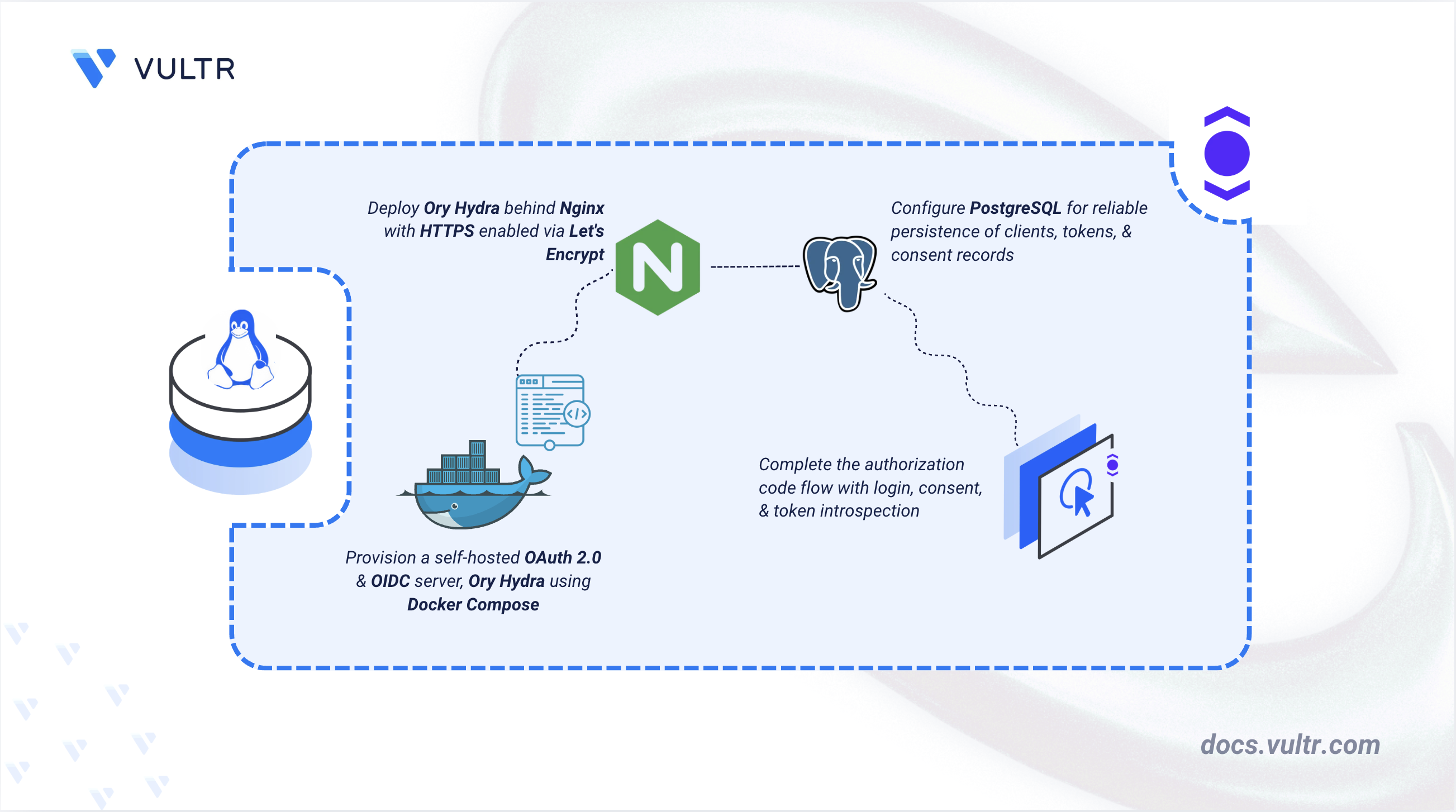
Ory Hydra is an open-source OAuth 2.0 Authorization Server and OpenID Connect (OIDC) provider. Unlike identity platforms that bundle user management, Hydra delegates authentication to a separate login and consent application that you control. It handles the OAuth 2.0 authorization code flow, client credentials flow, token introspection, and token revocation through an API-first architecture that separates the authorization protocol from identity storage.
This article explains how to deploy Ory Hydra on a Linux server using Docker Compose with PostgreSQL, Nginx, and a Java-based login and consent application.
Prerequisites
Before you begin, you need to:
- Have access to a Linux-based server (with at least 2 CPU cores and 4 GB of RAM) as a non-root user with sudo privileges.
- Install Docker and Docker Compose.
- Create a DNS A record pointing to your server's IP address (for example,
hydra.example.com).
Set Up the Directory Structure, Configuration, and Environment Variables
Ory Hydra reads its configuration from a YAML file and reads database credentials and secrets from environment variables at runtime. The directory structure separates the Hydra configuration, the Nginx reverse proxy configuration, and the TLS certificate storage into distinct paths.
Create the project directory with all required subdirectories.
CONSOLEThe command creates three subdirectories:
config/: Stores the Hydra configuration file and the Nginx server configuration.data/postgres/: Persists PostgreSQL database files across container restarts.data/certbot/conf/: Stores the Let's Encrypt TLS certificate files.
Navigate to the project directory.
CONSOLEClone the Java reference login and consent application into the project directory.
CONSOLENote
If you have your own application that implements the Hydra login and consent protocol, skip this step and replace
./reference-appin the Docker Compose file with your application's source directory.Generate a system secret for signing tokens and encrypting database records. Hydra requires a secret of at least 16 characters.
CONSOLERun this command twice and copy both output strings. You use the first value as
YOUR_SYSTEM_SECRETand the second asYOUR_PAIRWISE_SALT(the OIDC pairwise subject identifier salt in the configuration file).Note
The system secret is written into
hydra.ymlfor reference, but theSECRETS_SYSTEMenvironment variable defined in.envtakes precedence at runtime because Docker Compose passes it directly to the Hydra container. ReplaceYOUR_SYSTEM_SECRETin both files with the same generated value to keep them consistent.Create the Hydra configuration file.
CONSOLEAdd the following content. Replace
hydra.example.comwith your domain name,YOUR_SYSTEM_SECRETwith the first generated value, andYOUR_PAIRWISE_SALTwith the second.YAMLSave and close the file.
serve.public: Sets the public API base URL to the HTTPS path that matches the Nginx reverse proxy. The CORS section restricts cross-origin requests to your domain and specifies the allowed HTTP methods and headers, and permits credentials so the browser includes session cookies with API requests.serve.admin: Declares the admin API base URL, used by Hydra when generating self-referencing links in admin responses. The actual network restriction is enforced by the Docker Compose port binding (127.0.0.1:4445:4445), which limits the admin API to the loopback interface and prevents access from the public network.urls: Tells Hydra where to redirect users during the login and consent steps of the authorization flow. These paths are served by the login and consent app in the Docker Compose stack.secrets.system: A secret used to sign access tokens and encrypt sensitive records in the database. Changing this value invalidates all existing tokens.oidc.subject_identifiers: Enables both public and pairwise subject identifier types. Public identifiers return the same user ID to all clients. Pairwise identifiers generate a unique, unlinkable user ID per client, which prevents client correlation.strategies.access_token: Sets the token format toopaque, meaning tokens are random strings that must be validated through the introspection endpoint. The alternative isjwt, which allows stateless validation but cannot be revoked before expiry.ttl: Configures token lifetimes. Access tokens expire after 1 hour. Refresh tokens expire after 720 hours (30 days). Authorization codes expire after 10 minutes.log: Sets the log level toinfoand disables sensitive value exposure to prevent tokens and secrets from appearing in log output.
Note
The admin API
base_urluseshttp://127.0.0.1:4445/intentionally. The admin API accepts and rejects login and consent requests without authentication, and must never be exposed through the public reverse proxy.Create the Nginx configuration file.
CONSOLEAdd the following content. Replace all instances of
hydra.example.comwith your actual domain name.INISave and close the file.
The first server block listens on port
80and redirects all HTTP traffic to HTTPS. The second server block listens on port443with TLS and contains three location blocks:location = /callback: Serves the static callback HTML page from the Nginx container's filesystem. Nginx handles this directly without proxying to any upstream service.location ~ ^/(login|consent|logout|demo): Routes login, consent, logout, and demo requests to the login and consent app on port8080. Hydra redirects users to these paths during the authorization flow to perform authentication and scope approval.location /: Routes all other requests to the Hydra public API on port4444. This covers the OAuth 2.0 authorization endpoint, token endpoint, token revocation endpoint, and the OpenID Connect discovery document at/.well-known/openid-configuration.
Because all services run on the same Docker network, Nginx resolves the container hostname
hydrathrough Docker's internal DNS. Theresolver 127.0.0.11 valid=30sdirective tells Nginx to use Docker's internal DNS resolver, which is required when using variables inproxy_passdirectives. No traffic flows through the host network for these connections.The
X-Forwarded-Protoheader on all proxy blocks ensures Hydra recognizes that the original client connection uses HTTPS, which is required for secure redirect generation and cookie handling.Create the callback page that displays the authorization code after a successful OAuth 2.0 flow.
CONSOLEAdd the following content.
HTMLSave and close the file.
The callback page reads the
codeanderrorquery parameters from the URL using the JavaScriptURLSearchParamsAPI and renders the result using Vue. On a successful flow, it displays the authorization code and a ready-to-run curl command to exchange it for tokens. On a failed flow, it displays the error and reason returned by Hydra.Create the environment variables file.
CONSOLEAdd the following content. Replace
EXAMPLE_DB_PASSWORDwith a strong, unique database password, and replaceYOUR_SYSTEM_SECRETwith the same value you placed inconfig/hydra.yml.INISave and close the file.
Deploy with Docker Compose
Docker Compose manages all services as a single deployment unit. Certbot runs once as a standalone container to obtain the initial TLS certificate before Nginx starts, which requires port 80 to be free at that point.
Create the Docker Compose file.
CONSOLEAdd the following content.
YAMLSave and close the file.
postgres: A PostgreSQL 16 database that stores OAuth 2.0 clients, authorization codes, tokens, and consent records. The volume mounted at./data/postgrespersists data across container restarts. Thehealthcheckpollspg_isreadyevery 5 seconds so that dependent services wait for the database to accept connections before starting.hydra-migrate: A one-time initialization service that runs database migrations to create the required schema tables. It waits for thepostgreshealthcheck to pass before running, then exits with code0after migrations complete. Thehydraservice waits for this container to exit before starting.hydra: The main Ory Hydra server. Theserve allcommand starts both the public API on port4444and the admin API on port4445. The admin port is bound to127.0.0.1on the host via theportsbinding (127.0.0.1:4445:4445), which restricts access to the loopback interface and prevents exposure on public network interfaces. The public API on port4444is accessible only through the Docker network, where Nginx routes external traffic. TheSECRETS_SYSTEMenvironment variable overrides the value inhydra.ymlat runtime, so the secret Hydra actually uses comes from the environment rather than the configuration file.hydra-login-consent: The Java-based reference login and consent application. It builds from the./reference-appsource using a multi-stage Gradle and Eclipse Temurin Docker build. It provides the/login,/consent, and/demoendpoints that users interact with during the authorization flow. Because it usesnetwork_mode: "service:hydra", it shares the Hydra container's network namespace and reaches the admin API at127.0.0.1:4445.nginx: An Nginx reverse proxy that terminates TLS and routes external traffic to the Hydra public API and the login and consent app. It is the only service that exposes ports to the host (80and443), serving as the single entry point for all external traffic.
All services connect to a shared
hydra-networkbridge network, which allows inter-container communication using service names as hostnames. Each service includes adeploy.resources.limitsblock that caps CPU and memory usage, preventing a misbehaving container from starving other services on the host.Note
The PostgreSQL Data Source Name (DSN) uses
sslmode=disablebecause the database connection travels over the internal Docker bridge network, isolated from external traffic. If you move PostgreSQL to a separate host, changesslmode=disabletosslmode=requireand configure TLS certificates on the PostgreSQL server.Run Certbot as a Docker container in standalone mode to get a TLS certificate from Let's Encrypt. Replace
admin@example.comwith your email address andhydra.example.comwith your domain name.CONSOLECertbot starts a temporary web server on port
80, completes the ACME domain verification challenge, and saves the certificate files. After verification, the container exits and removes itself.Check that the certificate files exist. Replace
hydra.example.comwith your domain name.CONSOLEVerify that the output lists
fullchain.pem,privkey.pem,chain.pem,cert.pem, andREADME. These files are mounted into the Nginx container as a read-only volume, which the Nginx configuration references for TLS termination.Create the certificate renewal script.
CONSOLEAdd the following content.
BASHSave and close the file, then make it executable.
CONSOLEOpen the crontab editor. If this is the first time you run
crontab -e, the system prompts you to select an editor from a numbered list. Enter the number corresponding to/bin/nanoor your preferred editor.CONSOLEAdd the following line to run the renewal script at 3:00 a.m. on the 1st and 15th of every month.
BASHSave and close the file. The cron job stops Nginx, runs Certbot in non-interactive renewal mode, and restarts Nginx. Let's Encrypt certificates expire after 90 days, so running the cron job twice a month for renewal keeps the certificate updated. Output and errors are appended to
renew-cert.logfor troubleshooting.Note
Certbot only renews certificates that expire within 30 days, so running the script twice a month is safe. Running on two separate dates means a transient failure on the 1st is retried on the 15th, rather than waiting a full month.
Start all services in detached mode.
CONSOLEWait about 30 seconds for the database to initialize and migrations to complete.
Check the status of all containers.
CONSOLEVerify that
postgres,hydra,hydra-login-consent, andnginxall showUp, and thathydra-migrateshowsExited (0). The exit code0confirms that database migrations completed successfully.Check the Hydra logs to confirm that the server started without errors.
CONSOLEVerify that the output contains two lines showing Hydra listening on
0.0.0.0:4444and0.0.0.0:4445. If you see database connection errors, wait a few seconds and restart the Hydra container.CONSOLE
For more information on managing Docker Compose stacks, see the How To Use Docker Compose article.
Verify the Deployment and Test the Authorization Code Flow
Hydra exposes a public API on port 4444 for OAuth 2.0 and OIDC requests, and an admin API on port 4445 for client management. The admin API is only accessible from the server through the loopback port binding. OAuth 2.0 clients in Hydra represent applications that are authorized to request tokens on behalf of users. The reference login and consent application deployed in the previous section handles the /login and /consent steps during the authorization code flow.
Test the Hydra admin API health endpoint from the server.
CONSOLEA successful response returns
{"status":"ok"}, confirming that the admin API is healthy.Test the public API through the Nginx HTTPS reverse proxy. Replace
hydra.example.comwith your domain name.CONSOLEA successful response returns
{"status":"ok"}, confirming that Nginx routes requests to the Hydra public API.Verify that the OpenID Connect discovery document is accessible. Replace
hydra.example.comwith your domain name.CONSOLEVerify that the response contains a JSON document with the
issuer,authorization_endpoint,token_endpoint, andjwks_urifields. A valid response confirms that Hydra's OIDC provider is operational and reachable through the reverse proxy.Register a new OAuth 2.0 client using the Hydra CLI inside the running container. Replace
hydra.example.comwith your domain name.CONSOLEThe response is a JSON object containing the registered client. Copy the
client_idandclient_secretvalues.The
offline_accessscope requests a refresh token alongside the access token, allowing the client to get new access tokens without prompting the user again. Theopenidscope triggers Hydra to issue an ID token identifying the authenticated user.Open a web browser and navigate to the authorization URL below. Replace both instances of
hydra.example.comwith your domain name, and replaceCLIENT_IDwith theclient_idfrom the previous step.Hydra checks for an active session and, finding none, redirects the browser to the login page.
On the login page, enter the demo credentials below and click Log in. The login app accepts the challenge through the Hydra admin API and redirects the browser to the consent page.
- email:
foo@bar.com - password:
password
- email:
On the consent page, review the requested scopes and click Allow access. The consent app accepts the challenge and Hydra redirects the browser to
https://hydra.example.com/callbackwith the authorization code in thecodequery parameter.The callback page displays the authorization code and a ready-to-run curl command to exchange it for tokens. Replace
YOUR_CLIENT_IDandYOUR_CLIENT_SECRETin the displayed command with the values from the client registration step, then run the command from your server terminal.A successful response returns a JSON object containing an
access_token,refresh_token, andid_token. Copy theaccess_tokenvalue.Introspect the access token to confirm that it is active. Replace
ACCESS_TOKENwith the access token from the previous step.CONSOLEA valid, active token returns a JSON response with
"active": true, thesubfield containing the authenticated user's identifier, thescopefield listing the granted scopes, and token metadata includingiss,iat, andexp. A resource server calls this endpoint to validate an opaque token and retrieve its claims without sharing any secrets or decoding a JWT.
Conclusion
You have deployed Ory Hydra on a Linux server using Docker Compose. The admin API is bound to the loopback interface and never exposed through the public reverse proxy. For configuration covering identity provider integration, custom token claims, and high-availability deployments, refer to the official Ory Hydra documentation.
Tags:Open Source


0 Comments
Be the first to comment and share your perspective with the community.