How to Deploy Ory Keto - Open-Source Permission and Access Control Server
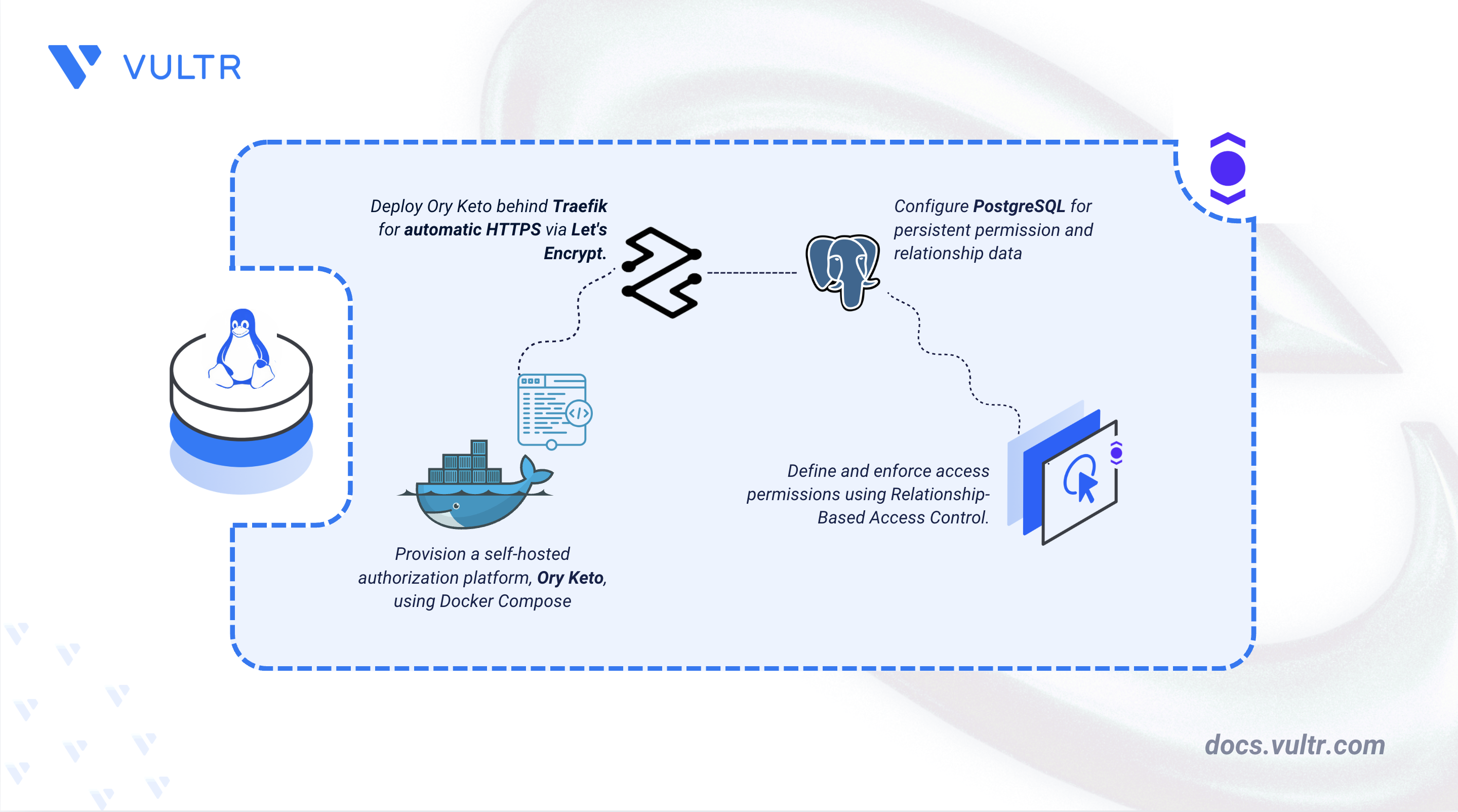
Ory Keto is an open-source permission and access control server that implements Relationship-Based Access Control (ReBAC) modeled on Google's Zanzibar authorization system. Instead of hardcoding access rules, Keto stores relationships as relation tuples and answers permission questions through a dedicated Application Programming Interface (API). This approach scales from direct ownership checks to complex nested permissions like group membership, without changing application code.
This article explains how to deploy Ory Keto on a Linux server using Docker Compose, PostgreSQL, and Traefik as a reverse proxy that provides automatic HTTPS through Let's Encrypt. It covers defining a permission model with the Ory Permission Language (OPL), binding Keto's read, write, and metrics APIs to the loopback interface, and exposing only a permission-enforcing application over HTTPS, so that no Keto API is reachable from the public internet.
Prerequisites
Before you begin, you need to:
- Have access to a Linux-based server (with at least 2 CPU cores and 4 GB of RAM) as a non-root user with sudo privileges.
- Install Docker and Docker Compose.
- Create a DNS A record pointing to your server's IP address (for example,
keto.example.com).
Set Up the Directory Structure, Configuration, and Environment Variables
Ory Keto requires a project directory that holds the server configuration, the permission model, a small backend application, and an environment variables file. Database credentials stay in the environment variables file to keep them out of the main configuration.
Create the project directory with all required subdirectories.
CONSOLEThe command creates four subdirectories:
config/: Stores the Keto configuration and the permission model.reference-app/: Stores a Node.js backend that enforces permissions through the Keto read API.data/postgres/: Persists PostgreSQL database files across container restarts.letsencrypt/: Stores the Traefik ACME certificate files for automatic HTTPS renewal.
Navigate to the project directory.
CONSOLECreate the Keto configuration file.
CONSOLEAdd the following content.
YAMLSave and close the file. The
namespaces.locationsetting points Keto to the permission model inside the container, and theserveblock defines the read, write, and metrics APIs. Each API binds to0.0.0.0inside the container so Docker can forward it. The loopback restriction is applied later in the Docker Compose port mapping.Note
The Data Source Name (DSN) that connects Keto to PostgreSQL is not stored in this file. It is passed through the
DSNenvironment variable in the Docker Compose stack to keep the database password out of the configuration file.Create the permission model file.
CONSOLEAdd the following content.
TYPESCRIPTSave and close the file. This model defines the
User,Group, andDocumentnamespaces. A document hasownersandviewers, whereviewersaccepts either a direct user or a group'smembers, which grants an entire group view access with one relationship. Thepermitsblock grantsviewto owners and viewers, andeditto owners only. For the full syntax, see the Ory Permission Language reference.Create the package descriptor for the backend resource server. This Node.js service demonstrates how an application calls the Keto read API instead of hardcoding access rules.
CONSOLEAdd the following content.
JSONSave and close the file.
Create the backend service file.
CONSOLEAdd the following content.
JAVASCRIPTSave and close the file. This Express backend is a policy enforcement point: on every request to
/files/:id, it asks the Keto read API whether the subject can view the document and returns the content only when Keto reports"allowed": true. TheX-User-Idheader stands in for a subject already authenticated by an identity provider such as Ory Kratos or Ory Hydra. ThecanViewfunction fails closed: if the read API is unreachable or returns an error, it denies access rather than leaking the file.Note
The service receives only
KETO_READ_URLand never credentials for the write API, so it can check permissions but cannot create or delete relationships.Create the environment variables file.
CONSOLEAdd the following content. Replace
keto.example.comwith your domain name,admin@example.comwith your email address for Let's Encrypt, andEXAMPLE_DB_PASSWORDwith a strong, unique database password.INISave and close the file.
Verify the complete directory structure.
CONSOLEThe output lists the following files:
Deploy with Docker Compose
Docker Compose orchestrates the Keto server, PostgreSQL database, backend application, and Traefik reverse proxy as a single deployment. Traefik obtains and renews a Let's Encrypt certificate automatically, so no manual certificate steps are required.
Create the Docker Compose file.
CONSOLEAdd the following content.
YAMLSave and close the file. Five services make up the stack:
- traefik: The reverse proxy and TLS termination point. It listens on ports 80 and 443, redirects HTTP to HTTPS, and provisions Let's Encrypt certificates using the email in
LETSENCRYPT_EMAIL. Withexposedbydefault=false, it routes only containers that settraefik.enable=true, which isketo-appalone. - postgres: A PostgreSQL 18 database that stores relation tuples, with a health check that gates dependent services. PostgreSQL 18 images store the cluster in a version-specific subdirectory, so the volume mounts at
/var/lib/postgresqlrather than the/var/lib/postgresql/datapath used by earlier versions. - keto-migrate: A one-time service that runs database migrations, then exits with code
0. Theketoservice waits for it to complete before starting. - keto: The main Keto server. Its read (
4466), write (4467), and metrics (4468) ports are all bound to127.0.0.1, so no API is reachable from outside the server. It carries no Traefik labels, so Traefik never exposes it. Other containers onketo-networkstill reach the read API athttp://keto:4466, which is how the application performs checks. - keto-app: The Node.js backend, built inline from a Node 24 Alpine image. The Traefik labels route only
Host(keto.example.com)requests under the/filespath to it on port3000, making it the single public entry point.
Most services also set
deploy.resources.limitsto cap CPU and memory usage.Note
The PostgreSQL DSN uses
sslmode=disablebecause the connection travels over the internal Docker bridge network. If you move PostgreSQL to a separate host, changesslmode=disabletosslmode=requireand configure TLS on the database server.- traefik: The reverse proxy and TLS termination point. It listens on ports 80 and 443, redirects HTTP to HTTPS, and provisions Let's Encrypt certificates using the email in
Start all services in detached mode.
CONSOLEWait about 30 seconds for the database to initialize and migrations to complete.
Check the status of all containers.
CONSOLEThe output looks similar to the following. The
keto-migratecontainer showsExited (0), and all other containers showUp.Confirm the server started by checking the write API health endpoint on the loopback interface.
CONSOLEA successful response returns
{"status":"ok"}. If it fails, the database may still be initializing; wait a few seconds and rundocker compose restart keto. For more information on managing Docker Compose stacks, see the How To Use Docker Compose article.
Access and Configure Ory Keto
These checks confirm that Keto's APIs stay private on the loopback interface and that Traefik exposes only the enforcement application over HTTPS. You then configure a firewall to restrict inbound traffic.
Verify that the read API is healthy on the loopback interface.
CONSOLEA successful response returns
{"status":"ok"}.Confirm the public application responds over HTTPS. Replace
keto.example.comwith your domain. Traefik obtains the certificate on the first HTTPS request, which can take a few seconds. Because the request omits theX-User-Idheader, the backend returns401, which confirms that Traefik terminates TLS and routes to the application.CONSOLEThe output is
401.Verify that the metrics endpoint is accessible on the loopback interface.
CONSOLEThe output contains Prometheus-formatted metrics that a monitoring system can scrape.
Allow Secure Shell (SSH) traffic through the Uncomplicated Firewall (UFW) so you keep remote access after enabling the firewall.
CONSOLEAllow HTTP traffic on port 80.
CONSOLEAllow HTTPS traffic on port 443.
CONSOLEWarning
Docker modifies iptables rules directly, which can bypass UFW. In this deployment, only the Traefik container publishes ports to all interfaces (
80and443), and Keto's read, write, and metrics APIs bind to127.0.0.1. Even if Docker bypasses UFW, no Keto API is exposed on a public interface.Enable UFW. When prompted, type
yto confirm.CONSOLEVerify the firewall rules.
CONSOLEThe output lists ports
22/tcp,80/tcp, and443/tcpwith anALLOWaction for both IPv4 and IPv6.Confirm the read API is not reachable from outside the server. From your local machine, replace
YOUR_SERVER_IPwith your server's IP address.CONSOLEThe request times out or is refused.
Confirm the write API is not reachable either.
CONSOLEThe request times out or is refused, confirming that neither the read API nor the write API is reachable from the internet.
Demonstrate Application Use Case by Performing Actions
With Keto running, you populate the permission model with relation tuples through the write API, evaluate permissions through the read API, and confirm that the backend application enforces those permissions. Because the read and write APIs bind to the loopback interface, run the management and check commands on the server. For the full endpoint reference, see the Ory Keto REST API documentation.
Create Relationships
Send a batch of relation tuples to the write API on
127.0.0.1:4467.CONSOLEThe command inserts three relationships:
aliceowns thereadmedocument,bobis a member of theengineeringgroup, and theengineeringgroup's members are viewers of theroadmapdocument. On success, the write API returns an empty body with HTTP status204 No Content.Confirm the tuples were stored by listing the
Documentnamespace through the read API.CONSOLEThe response lists the
readmeowner and theroadmapviewer subject set.
Check Permissions Directly
Check whether
alicecan view thereadmedocument.CONSOLEaliceis an owner, so the response returns{"allowed":true}.Check whether
bobcan view theroadmapdocument.bobhas no direct relationship toroadmap, but is a member of theengineeringgroup, which is a viewer.CONSOLEKeto resolves the subject set and returns
{"allowed":true}. This is the core strength of ReBAC: a single group membership grants access without a direct relationship to the document.Check whether
bobcan edit theroadmapdocument.bobis a viewer through group membership, but viewers cannot edit.CONSOLEThe
editpermission requires ownership, so the response returns{"allowed":false}.Inspect the full set of subjects that hold the
viewersrelation on theroadmapdocument.CONSOLEThe response contains a nested JSON tree with the
engineeringgroup'smemberssubject set as a child node, which helps you audit who has access and why.
Enforce Permissions Through the Application
The keto-app service is the only publicly exposed component, and it reuses the relationships created earlier. These requests confirm that a real backend enforces the permission model through the Keto read API instead of embedding access rules in code. Replace keto.example.com with your domain.
Request the
readmedocument asalice, who owns it.CONSOLEKeto confirms that
aliceis an owner, so the backend returns the file content:Request the
roadmapdocument asbob, who inherits view access through theengineeringgroup.CONSOLEThe response returns the file content, confirming that the backend enforces group-inherited permissions even though
server.jscontains no group-specific logic.Request the
roadmapdocument ascarol, who has no relationship to the document or the group.CONSOLEThe response returns
403 Forbidden. Because the permission logic lives entirely in the OPL model and the Keto database, changing who can viewroadmapnever requires modifying or redeployingserver.js.Request a file without the
X-User-Idheader.CONSOLEThe response returns
401 Unauthorized. In production, an upstream identity provider or API gateway sets this header only after verifying the caller's identity.
Conclusion
You have deployed Ory Keto on a Linux server with Docker Compose, PostgreSQL, and Traefik for automatic HTTPS through Let's Encrypt. You have defined a Relationship-Based Access Control model with the Ory Permission Language, secured the deployment by binding Keto's APIs to the loopback interface and exposing only a permission-enforcing application over HTTPS, and verified the model end to end by creating relationships and running checks through both the read API and the backend. For more information, see the official Ory Keto documentation.
Tags:Open Source


0 Comments
Be the first to comment and share your perspective with the community.