How to Deploy Vault – Secret & Key Management
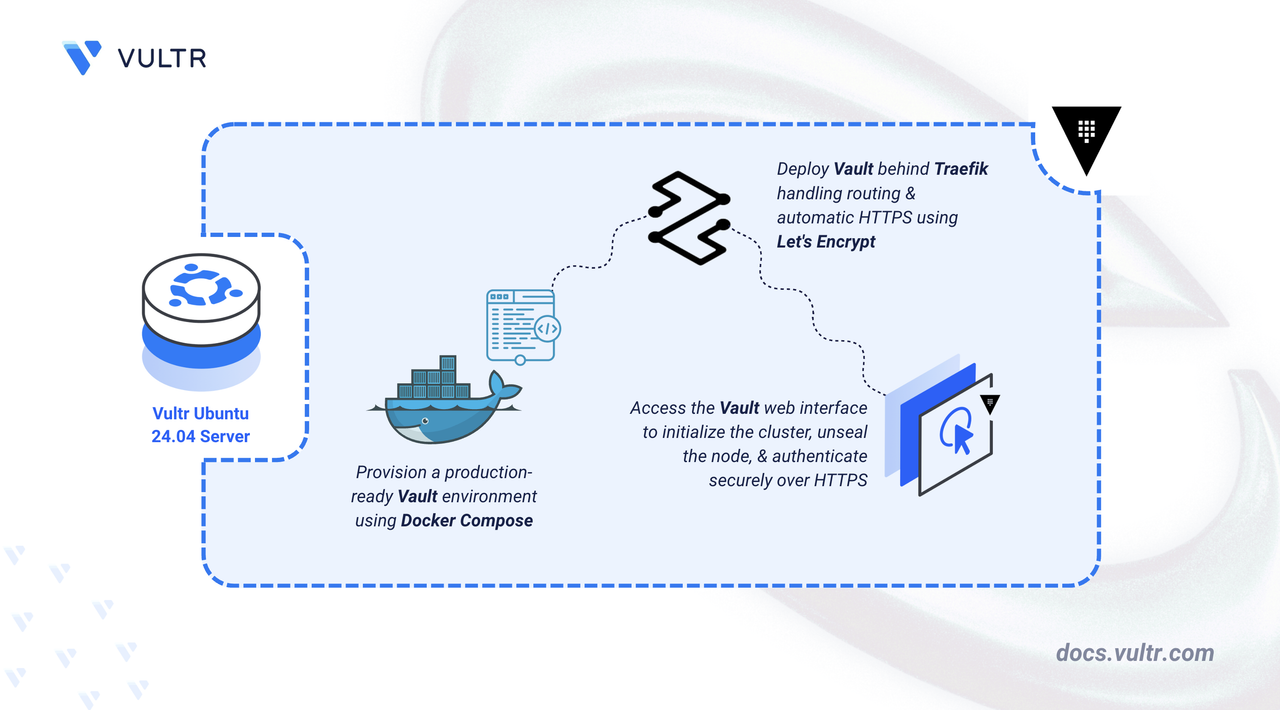
HashiCorp Vault is a centralized secrets management system that protects sensitive data using identity-based access controls. It provides a unified interface for securely handling passwords, tokens, certificates, and encryption keys across distributed systems.
This article demonstrates how to deploy a production-ready HashiCorp Vault instance on Ubuntu 24.04 using Docker Compose. It is configured with Raft Integrated Storage for high-availability data persistence and secured with HTTPS via a Traefik reverse proxy.
Prerequisites
Before you begin:
- Have access to an Ubuntu 24.04 server as a non-root user with sudo privileges.
- Install Docker and Docker Compose.
- Configure a domain name, such as
vault.example.com, to point to your server’s public IP address.
Set Up the Directory Structure, Configuration, and Environment Variables
HashiCorp Vault requires persistent storage for its Raft data, audit logs, TLS certificates, and configuration files, along with environment variables that specify its domain and Let’s Encrypt email. This section covers creating the folders, the vault.hcl configuration file, and the .env file that Docker Compose uses to load domain and email values automatically.
Create folders to store Vault data, configuration, and logs.
CONSOLEconfig- Stores thevault.hclconfiguration file.data- Persistent storage for the Raft backend (encrypted secrets).logs- Audit logs.letsencrypt- Traefik ACME certificates.
The Vault container runs as UID 100. Change the ownership of
dataandlogsto UID 100 to allow writing to these directories.CONSOLENavigate to the root Vault directory.
CONSOLECreate the Vault configuration file.
CONSOLEAdd the following configuration:
INIReplace
vault.example.comwith your actual domain. Save and close the file.The above configuration defines Vault's core operational parameters. Within the configuration:
ui = true: Enables Vault's web-based user interface for easier management.storage "raft" { ... }: Configures Raft as the storage backend for high-availability data persistence, with data stored in/vault/dataand a unique node ID.listener "tcp" { ... }: Sets up an HTTP listener on port 8200 (TLS disabled since Traefik handles encryption).api_addr: Specifies the public HTTPS address clients use to access Vault.cluster_addr: Defines the internal address for cluster communication between Vault nodes.disable_mlock = false: Keeps memory locking enabled so Vault can prevent sensitive data from being swapped to disk. Since the container includes theIPC_LOCKcapability, Vault is allowed to lock memory safely in this deployment.
Create an
.envfile to store your email for Let's Encrypt and your domain.CONSOLEAdd the following content. Replace
vault.example.comwith your actual domain andadmin@example.comwith your email address.INISave and close the file.
Deploy with Docker Compose
This section covers the deployment of HashiCorp Vault using Docker Compose. The configuration includes Traefik to act as a reverse proxy. This setup offloads SSL termination to Traefik, ensuring secure HTTPS communication without requiring direct certificate management within Vault.
Add your user account to the docker user group.
CONSOLEApply new group membership.
CONSOLECreate the Docker Compose manifest file.
CONSOLEAdd the following contents:
YAMLSave and close the file. This Docker Compose configuration deploys HashiCorp Vault behind Traefik, which handles HTTPS termination and certificate automation. Vault runs with Raft Integrated Storage for durability and relies on Traefik for secure external access. Each service has a dedicated role within the stack:
vault service
- Runs the official
hashicorp/vaultimage in server mode. - Mounts the Vault configuration under
./config, Raft storage under./data, and audit logs under./logs. - Uses
cap_add: IPC_LOCKto allow memory locking so Vault can prevent sensitive data from being swapped to disk (recommended for production). - Exposes port 8200 internally, while Traefik handles all external HTTPS traffic.
- Reads its operational settings from the
vault.hclfile located in the mounted config directory. - Registers routing rules with Traefik so requests for
https://${VAULT_DOMAIN}are forwarded to Vault over port 8200.
traefik service
- Listens on ports 80 and 443 to receive all incoming connections.
- Manages HTTPS certificates through Let’s Encrypt using the ACME HTTP-01 challenge.
- Automatically renews certificates and redirects all HTTP traffic to HTTPS.
- Reads Docker labels from the Vault container to set routing rules for your Vault domain.
- Stores certificate data in the
./letsencryptdirectory.
- Runs the official
Start all services in detached mode.
CONSOLECheck the container status.
CONSOLEBoth
vaultandtraefikshould show a status ofUp.Note
For more information on managing a Docker Compose stack, see the How To Use Docker Compose article.
Initialize and Unseal Vault
Vault starts in a "Sealed" state. The data is encrypted, and Vault cannot access it until you provide the unseal keys.
Run the following command in your terminal to generate the master keys. This executes the initialization tool directly inside the running container.
CONSOLEThe output contains 5 Unseal Keys and an Initial Root Token.
Note
Copy all the Unseal Keys and the Root Token, and store them safely. If you lose these keys, you lose access to your data permanently. There is no password reset for Vault.
Access the Vault UI by visiting
https://vault.example.com.Vault requires a "quorum" of keys to unlock. Copy Unseal Key 1 from from the output of step 1, paste it into the box, and click Unseal.
Repeat the process by entering two more Unseal Keys. Once 3 valid keys are entered, the Sign in page loads.
Enter the Initial Root token from the output of step 1 in the Token field. The Vault dashboard loads.
Conclusion
You have successfully deployed a secure HashiCorp Vault instance on Ubuntu 24.04. Your setup uses Raft Integrated Storage for data durability and Traefik for automatic HTTPS. For more information, refer to the Vault documentation.




0 Comments
Be the first to comment and share your perspective with the community.