How to Install MariaDB on Ubuntu 22.04
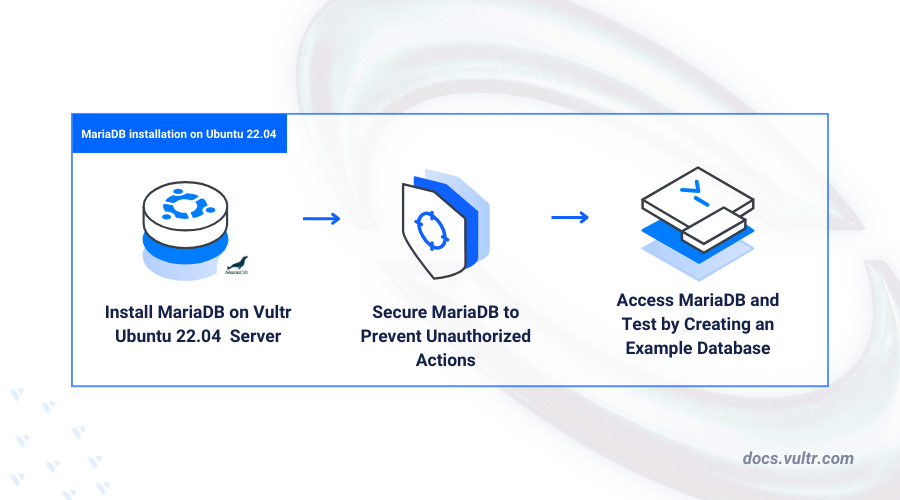
MariaDB is an open-source relational database management system that serves as a drop-in replacement for MySQL, offering improved reliability, performance, and flexibility. It uses the same SQL syntax as MySQL for creating and managing databases on a server.
This article explains how to install MariaDB on Ubuntu 22.04 and configure it for production use, enabling you to create and manage databases on your server.
Prerequisites
Before you begin:
- Have an Ubuntu 22.04 server.
- Access the server using SSH as a non-root user with sudo privileges.
- Update the server.
Install MariaDB on Ubuntu 22.04
MariaDB is available in the default APT repositories on Ubuntu 22.04. Follow the steps below to install the MariaDB Server package and verify the system service status.
Update the server package index.
CONSOLEInstall MariaDB.
CONSOLEView the installed MariaDB version on your server.
CONSOLEOutput:
Enable the system service to start at boot time.
CONSOLEStart the MariaDB service on your server.
CONSOLEView the MariaDB service status to verify that it's running on your server.
CONSOLEOutput:
Secure the MariaDB Server
MariaDB runs with the default root user account without a password, allowing only privileged users to access the server. Follow the steps below to secure the MariaDB server by setting a root password, removing anonymous users, and disabling remote access for the root user.
Run the following command to start the MariaDB security script.
CONSOLEPress Enter to select
noneas the current root password.Enter N and press Enter to use MariaDB without
unix_socketauthentication.Enter Y and press Enter to change the default root user password.
Enter a new strong password for the root user.
Re-enter the new root user password and press Enter to save changes.
Enter Y and press Enter to delete anonymous users on the MariaDB server.
Enter Y and press Enter to disable remote access to the database server root user.
Enter Y and press Enter to delete the test database.
Enter Y to refresh your MariaDB privilege tables and apply your new configuration changes.
Restart MariaDB on your server.
CONSOLE
Access MariaDB
MariaDB is compatible with graphical management tools like PhpMyAdmin, which integrate directly with the database server. You can access the MariaDB console using the mariadb or mysql command. Follow the steps below to access the MariaDB console and create sample databases on your server.
Log in to the MariaDB database server.
CONSOLEEnter the database root user password you set earlier when prompted.
Create a new sample database. For example,
exampledb.SQLView all databases on the server and verify that the new database is available.
SQLOutput:
Create a new database user with a strong password. For example,
exampledb_user.SQLGrant the user full privileges to the
exampledbdatabase.SQLRefresh the MariaDB privilege tables to apply the new database changes.
SQLExit the MariaDB database console.
SQL
Conclusion
In this article, you installed and configured MariaDB on an Ubuntu 22.04 server. You can now integrate the database server with your applications to use MariaDB as the backend. For more information and configuration options, please visit the official MariaDB documentation.


0 Comments
Be the first to comment and share your perspective with the community.