How to Use the Break Command in Bash
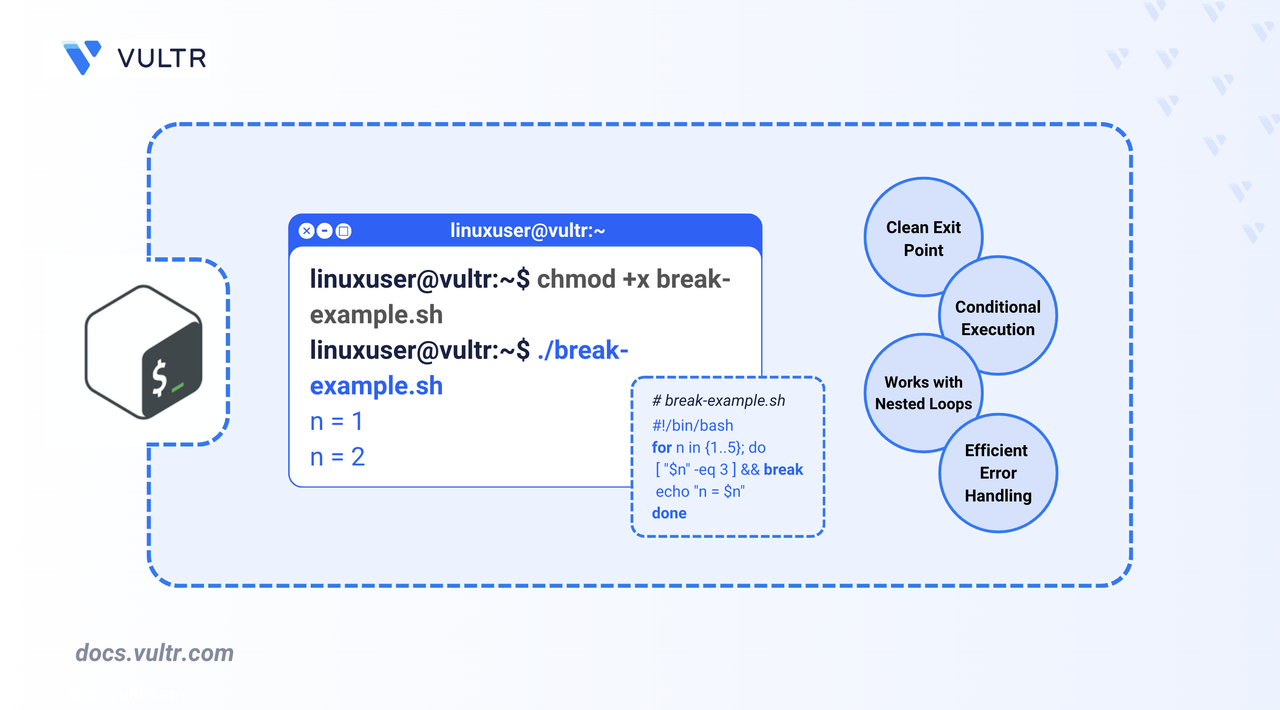
You can create Bash scripts to manage repetitive tasks efficiently by using loops like for, while, and until. In some cases, you may need to exit a loop early, such as when a condition is met, an input is received, or further execution is unnecessary. The break command lets you exit the loop immediately, giving you control over script flow.
This article explains how to use the break command inside for, while, and until loops in Bash, using clear and focused examples that demonstrate how loop control works in each case.
The Short Answer Version
Here’s a quick summary of how the break command behaves in different loop types:
The next sections explain how to use the break command inside each loop type in more detail.
Use the break Command in a for Loop
A for loop is useful when you know how many times the loop should run. If a condition arises during execution that makes continuing unnecessary, such as reaching a specific value, you can use the break command to exit the loop early.
Command Syntax
Command Demonstration
This example prints numbers from 1 to 10 but exits early when the value reaches 5.
BASH
Output:
Use the break Command in a while Loop
A while loop is ideal when you don't know in advance how many times the loop should run. You can use the break command to exit the loop based on user input or other dynamic conditions.
Command Syntax
Command Demonstration
This example accepts user input repeatedly and exits the loop when the user types quit.
BASH
Output:
Use the break Command in an until Loop
An until loop runs as long as the given condition remains false. When a specific condition becomes true, such as reaching a limit, you can use the break command to exit the loop early.
Command Syntax
Command Demonstration
This example counts from 1 to 10 but exits the loop early when the counter reaches 5.
BASH
Output:
Breaking Out of Nested Loops
When using nested loops, the break command only exits the innermost loop by default. To exit multiple levels at once, use break N, where N is the number of nested loops to break out of.
Command Syntax
Command Demonstration
This example prints coordinates from two nested loops and exits both loops when y equals 2.
BASH
Output:
Conclusion
In this article, you explored how the break command works in Bash scripting. You learned how to use it to exit early from for, while, and until loops based on specific conditions. You also saw how to break out of multiple nested loops using break N to control complex flow logic.
Tags:Bash


0 Comments
Be the first to comment and share your perspective with the community.