How to Use the Continue Command in Bash
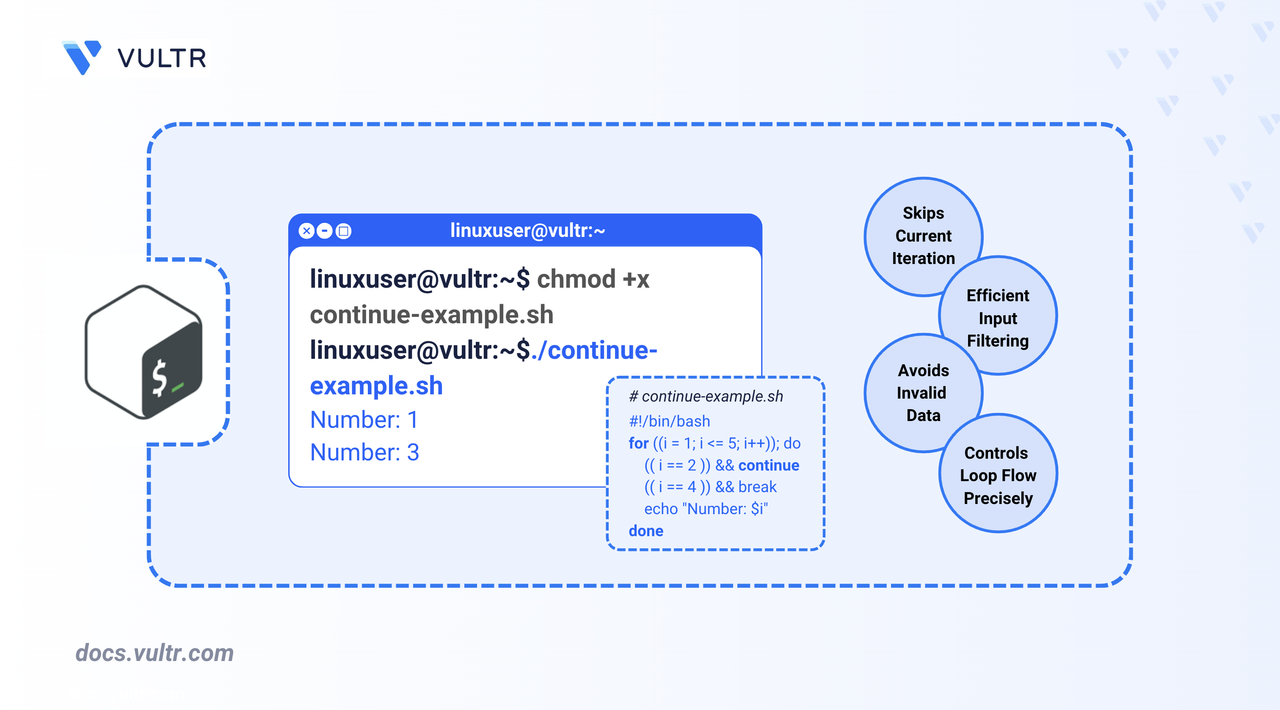
The continue command in Bash allows you to skip the remaining commands in the current loop iteration and proceed directly to the next one. It is useful when you want to bypass specific conditions without exiting the loop entirely. Unlike the break command, which terminates the loop, continue enables precise control over iteration flow.
This article demonstrates how to use continue with for, while, until, select, and nested loops to optimize Bash scripts for tasks like filtering input, skipping invalid data, and managing conditional execution.
Use Bash continue with a for Loop
Use the continue command in for loops to skip over specific items without terminating the loop. This is useful when processing lists, ranges, or arrays where you want to exclude certain elements based on a condition.
Command Syntax
Command Demonstration
Basic List Loop
Skip a specific item in the list and stop after a match.
BASH
Output:
Numeric Range Loop
Skip even numbers and stop when the value exceeds 17.
BASH
Output:
Array Loop with Processing Limit
Skip multiples of 3 and stop after handling 4 valid numbers.
BASH
Output:
C-Style for Loop
Skip a specific iteration and exit after a threshold.
BASH
Output:
Use continue in for loops to efficiently bypass items based on conditions, whether processing strings, ranges, or arrays. These examples demonstrate list filtering, range skipping, and controlled loop exits.
Use Bash continue with a Nested Loop
In nested loop structures, you can use continue n to control which loop level resumes its next iteration. The default continue (or continue 1) affects the innermost loop. Using continue 2 skips the remaining steps in both the inner and outer loop bodies and resumes the next iteration of the second-level loop.
Command Syntax
Command Demonstration
This example simulates a car inspection system. It skips certain combinations based on brand and model and applies quotas per brand.
BASH
Output:
Use continue n carefully in nested loops to avoid unintentionally skipping multiple loop levels. A misplaced continue 2 can prematurely exit critical logic in the outer loop.
Use Bash Continue with a while Loop
In while loops, the continue command allows you to skip the remaining statements in the current iteration and proceed directly to the next one. This is useful for filtering out unwanted conditions without exiting the loop entirely.
Command Syntax
Command Demonstration
The following example filters server log entries and only processes those that begin with ERROR. It skips blank lines and non-error entries.
BASH
Output:
The script uses continue to skip over blank or non-error log entries, reducing unnecessary processing and focusing only on actionable items.
Use Bash continue with an until Loop
In an until loop, continue skips the current iteration and returns to the loop condition check. This is useful for ignoring invalid input or conditions until a specific goal is met.
Command Syntax
Command Demonstration
The following example implements a number-guessing game that validates user input before processing.
BASH
Output:
The script uses continue to filter out empty, non-numeric, and out-of-range inputs. Only valid guesses are evaluated against the target number.
Use Bash continue with a select Loop
A select loop displays a numbered menu based on a list of options. You can use the continue command to handle invalid or empty input by redisplaying the menu, ensuring that only valid selections trigger the intended actions.
Command Syntax
Command Demonstration
The following example implements a car service booking menu that handles invalid selections using continue.
BASH
Output:
The continue command is useful for redisplaying the menu when an invalid selection is made. Valid choices trigger an action and then exit the loop.
Conclusion
In this article, you used the continue command to control iteration flow in Bash scripts across for, while, until, select, and nested loops. You applied targeted iteration skipping to handle data validation, user input, and loop optimization without exiting the loop prematurely. These techniques help make your scripts more efficient and easier to manage.
Tags:Bash


0 Comments
Be the first to comment and share your perspective with the community.