How to Deploy Elasticsearch – Search & Analytics Engine
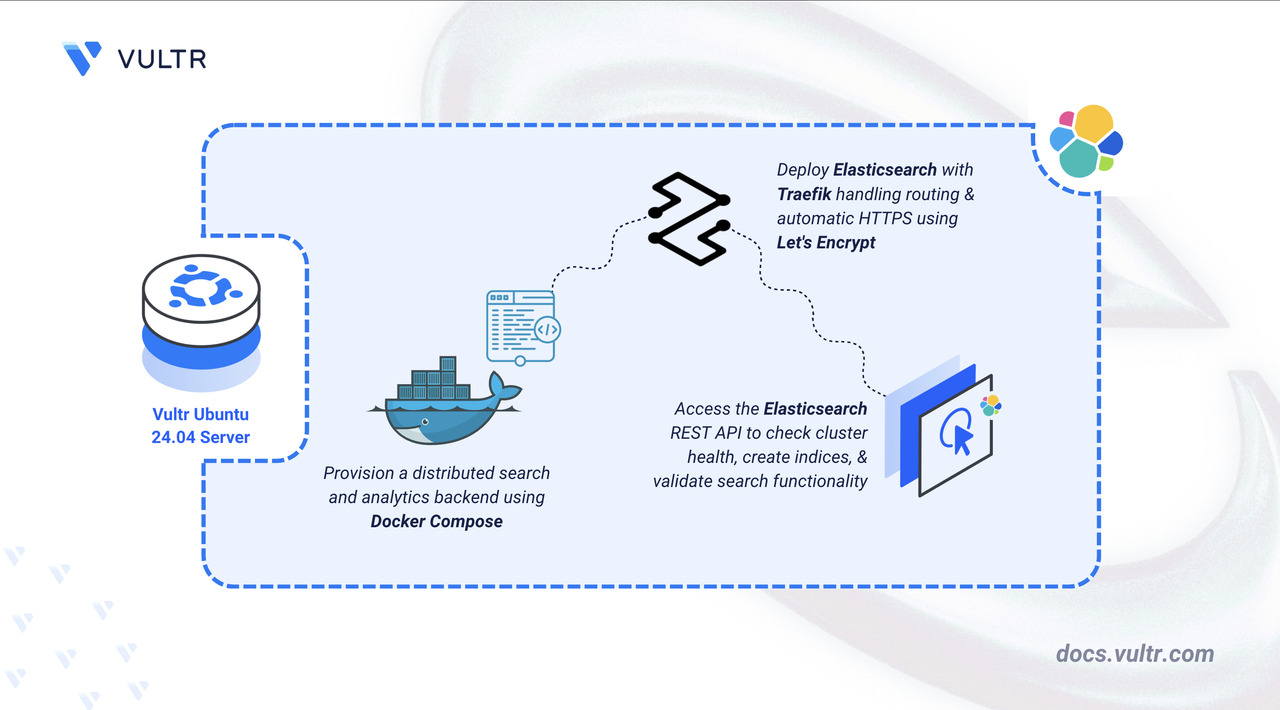
Elasticsearch is a distributed search and analytics engine built on Apache Lucene. It provides near real-time search capabilities for structured and unstructured data, making it ideal for log aggregation, full-text search, and business analytics. Elasticsearch scales horizontally across multiple nodes and supports complex queries through its RESTful API.
In this article, you will deploy Elasticsearch using Docker Compose, configure persistent storage for indexed data, and set up Traefik as a reverse proxy to securely access your Elasticsearch instance.
Prerequisites
Before you begin, you need to:
- Have access to an Ubuntu 24.04-based server as a non-root user with
sudoprivileges. - Install Docker and Docker Compose.
- Configure a domain A record pointing to your server's IP address (for example,
elasticsearch.example.com).
Set Up the Directory Structure and Environment Variables
In this section, you prepare the required directory structure for Elasticsearch and define environment variables in a .env file.
Create the directory structure for Elasticsearch.
CONSOLEThese directories serve different purposes:
- elasticsearch-data: Stores indexed data, including shards and segments.
- elasticsearch-config: Contains YAML configuration files.
Navigate into the
elasticsearch-loggingdirectory.CONSOLESet proper ownership for the Elasticsearch data directory. Elasticsearch runs as the
elasticsearchuser (UID1000) inside the container.CONSOLEYou can verify this UID by running
docker run --rm elasticsearch:8.17.0 id.Create a
.envfile.CONSOLEAdd the following variables:
INIReplace:
elasticsearch.example.comwith your domain.admin@example.comwith your email.
Save and close the file.
Create an Elasticsearch configuration file.
CONSOLEAdd the following content.
YAMLSave and close the file.
The configuration includes:
- cluster.name: Identifies this Elasticsearch cluster for node discovery.
- node.name: Assigns a unique identifier to this node.
- network.host: Configures Elasticsearch to listen on all network interfaces, allowing Traefik to connect from the Docker network.
- discovery.type: Configures single-node mode, disabling cluster formation requirements.
- xpack.security.enabled: Disables authentication for simplified initial deployment.
Deploy with Docker Compose
In this section, you create and deploy the Docker Compose stack that runs Elasticsearch behind Traefik. Docker Compose manages both containers, applies the environment variables from your .env file, and automatically configures HTTPS routing through Traefik.
Create a new Docker Compose manifest.
CONSOLEAdd the following content.
YAMLSave and close the file.
This manifest specifies:
- services: Defines two containers working together:
- traefik: Accepts external connections, provisions SSL/TLS certificates automatically, and routes requests to backend services.
- elasticsearch: Runs the core search engine, indexes documents, and responds to queries.
- image: Specifies container images from Docker Hub and the official Elastic registry.
- container_name: Assigns fixed names for easier log inspection and container management.
- command (Traefik): Configures Docker provider integration, HTTP/HTTPS entry points on ports 80 and 443, forced HTTPS redirects, and automated Let's Encrypt certificate generation using HTTP challenge validation.
- ports (Traefik): Binds ports 80 (HTTP) and 443 (HTTPS) on the host to receive incoming traffic.
- expose (Elasticsearch): Makes port 9200 accessible only within the Docker network, preventing direct public access.
- volumes:
- Local directories (
./elasticsearch-config,./elasticsearch-data) mount into containers to persist configuration and search indexes. - The
letsencryptnamed volume stores certificate data permanently. - Mounting
/var/run/docker.sockgrants Traefik read-only access for automatic service discovery.
- Local directories (
- environment (Elasticsearch): Sets JVM memory limits to 512MB minimum and maximum for stable resource usage.
- labels (Elasticsearch): Traefik routing rules that activate the reverse proxy, match requests by hostname, and apply Let's Encrypt TLS certificates.
- restart: unless-stopped: Automatically restarts containers after crashes or server reboots, except when manually stopped.
- services: Defines two containers working together:
Create and start the services.
CONSOLEVerify that the services are running.
CONSOLEOutput:
Both containers are running. Elasticsearch processes search requests while Traefik handles incoming connections on ports
80and443.View the logs of the services.
CONSOLEFor more information on managing a Docker Compose stack, see the How To Use Docker Compose article.
Access Elasticsearch
This section demonstrates verification of your Elasticsearch installation through cluster health checks and test index creation to validate search and storage functionality.
Access the Elasticsearch API in your browser.
You should see a JSON response with cluster information including the version number and cluster UUID.
Check cluster health using the command line.
CONSOLEOutput:
A
greenstatus indicates the cluster is healthy and operational.Create a test index to verify data storage.
CONSOLEOutput:
Index a sample document.
CONSOLESearch for the document.
CONSOLEThe output displays your indexed document, confirming that Elasticsearch can store and retrieve data successfully.
Conclusion
You have successfully deployed Elasticsearch for log management with HTTPS encryption. This Docker Compose implementation combines the search engine with an automatic SSL reverse proxy, while volume mounts preserve indexed data through container updates and restarts. Let's Encrypt integration maintains valid certificates automatically as Traefik routes incoming requests securely. Your Elasticsearch instance now stands ready to ingest application logs, perform full-text searches across massive datasets, and deliver real-time analytics through its RESTful API.


0 Comments
Be the first to comment and share your perspective with the community.