How to Deploy Loki – Log Aggregation System
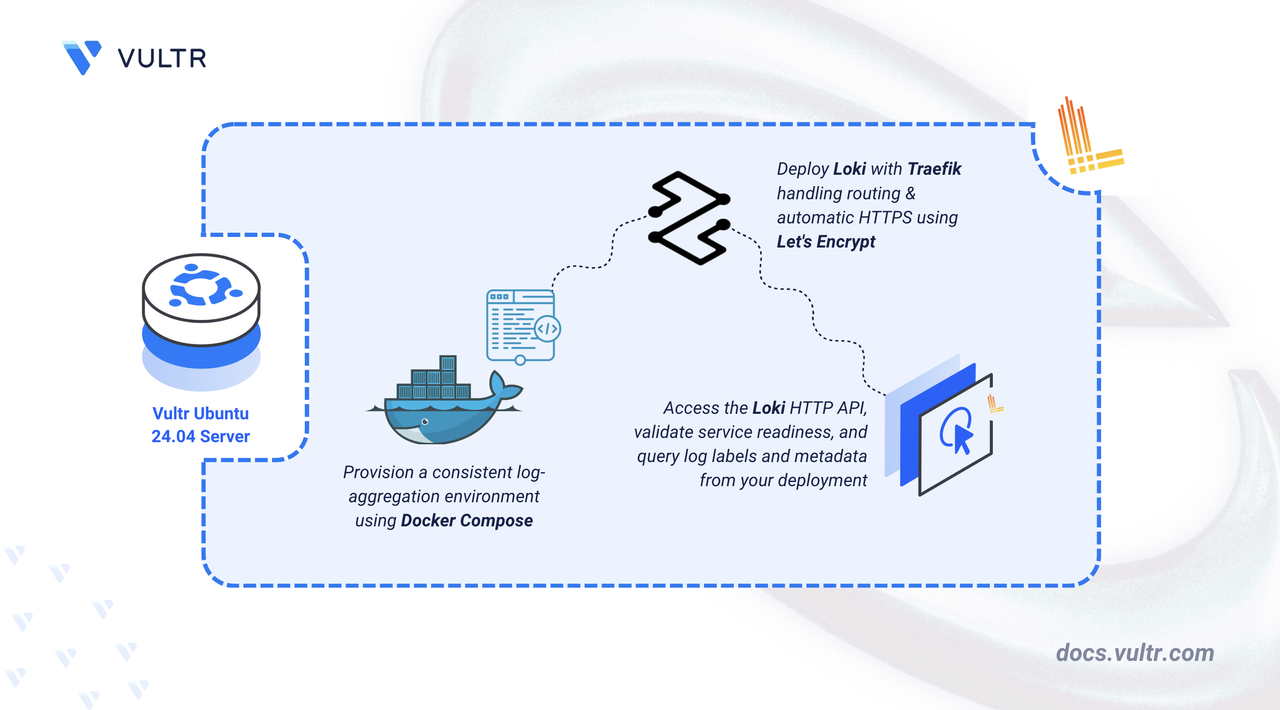
Loki is an open-source log aggregation system designed for efficiently storing and querying logs from your applications and infrastructure. Unlike traditional log management systems, Loki indexes only label key-value pairs rather than the full-text log content, making it cost-effective and highly scalable for cloud-native environments.
In this article, you will deploy Loki using Docker Compose, configure persistent storage for log data, and set up Traefik as a reverse proxy to securely access your Loki instance.
Prerequisites
Before you begin, you need to:
- Have access to an Ubuntu 24.04-based server as a non-root user with
sudoprivileges. - Install Docker and Docker Compose.
- Configure a domain A record pointing to your server's IP address (for example,
loki.example.com).
Set Up the Directory Structure and Environment Variables
In this section, you prepare the required directory structure for Loki and define environment variables in a .env file.
Create the directory structure for Loki.
CONSOLEThese directories store Loki's log chunks, indexes, and configuration files.
Navigate into the
loki-loggingdirectory.CONSOLESet proper ownership for the Loki data directory. Loki runs as the
lokiuser (UID 10001) inside the container.CONSOLECreate a
.envfile.CONSOLEAdd the following variables:
INIReplace:
loki.example.comwith your domain.admin@example.comwith your email.
Save and close the file.
Create a Loki configuration file.
CONSOLEAdd the following content.
YAMLSave and close the file.
This configuration enables local filesystem storage and sets up the indexing schema. The
tsdbindex store provides efficient time-series based querying of log metadata, while the filesystem object store saves the actual log chunks and metadata in the mounted data directory.
Deploy with Docker Compose
In this section, you create and deploy the Docker Compose stack that runs Loki behind Traefik. Docker Compose manages both containers, applies the environment variables from your .env file, and automatically configures HTTPS routing through Traefik.
Create a new Docker Compose manifest.
CONSOLEAdd the following content.
YAMLSave and close the file.
The manifest structure consists of:
- services: Two service definitions create the log aggregation infrastructure:
- traefik: Receives client connections, administers TLS certificates, and directs traffic to Loki endpoints.
- loki: Ingests, indexes, and stores log streams from distributed sources.
- image: Docker Hub provides the official images for both service containers.
- container_name: Fixed container identifiers streamline monitoring and troubleshooting workflows.
- command (Traefik): Defines runtime parameters for Docker service watching, dual-port operation (80/443), automatic HTTP-to-HTTPS upgrades, and Let's Encrypt integration through HTTP challenge verification.
- command (Loki): Points to the configuration file location within the container filesystem.
- ports (Traefik): Publishes ports 80 and 443 to the host for client request handling.
- expose (Loki): Opens port 3100 for inter-container communication while maintaining isolation from external networks.
- volumes:
- Host directory bindings preserve configuration files and log chunk storage across deployments.
- The
letsencryptvolume maintains certificate persistence through container updates. - Docker socket access grants Traefik the ability to detect containers and configure routes automatically.
- labels (Loki): Annotation-based Traefik settings that activate proxying, map domain names to services, and assign the appropriate certificate authority.
- restart: unless-stopped: Guarantees service availability by restarting containers after unexpected shutdowns or system reboots, barring manual termination.
- services: Two service definitions create the log aggregation infrastructure:
Create and start the services.
CONSOLEVerify that the services are running.
CONSOLEOutput:
Both containers are running successfully. Loki is ready to accept log streams while Traefik accepts connections on ports
80and443.View the logs of the services.
CONSOLEFor more information on managing a Docker Compose stack, see the How To Use Docker Compose article.
Access Loki
In this section, you access the Loki API to verify your installation by checking service readiness and querying available labels.
Check the service readiness endpoint.
CONSOLEOutput:
This confirms Loki is operational and accepting requests.
Query available label names in Loki.
CONSOLEOutput:
An empty array is expected on a fresh installation with no log data. When logs are ingested, the endpoint returns label names like
job,instance, and any custom labels you have configured.Verify the Loki version and build information.
CONSOLEOutput:
Output displays the version, Go version, and build timestamp. This confirms Loki is responding correctly to API requests.
Conclusion
You have successfully deployed Loki for log aggregation with HTTPS encryption. Container orchestration through Docker Compose ensures reliable operation, while volume mounts preserve log chunks and indexes permanently. Automated TLS certificate provisioning from Let's Encrypt maintains secure communications as Traefik efficiently routes requests. The system now awaits log ingestion from distributed applications and infrastructure services via its RESTful API interface.




0 Comments
Be the first to comment and share your perspective with the community.