How to Deploy Neko – Self-Hosted Virtual Browser Platform
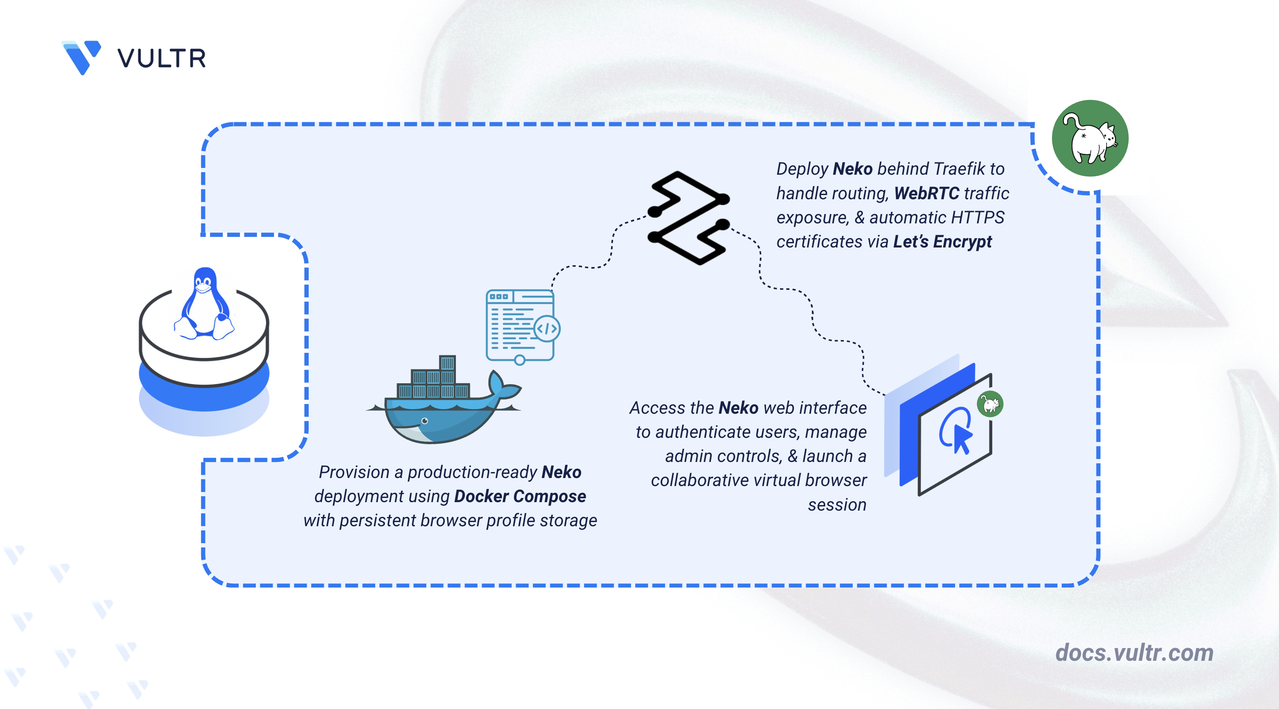
Neko is an open-source virtual browser platform that runs inside Docker and streams an interactive browser session to multiple users via WebRTC. All participants see the same browser window with synchronized audio and video, while administrators control who can use the keyboard and mouse. Neko works well for remote watch parties, team collaboration, technical support, and training sessions where participants need to view or interact with shared web content.
This article explains how to deploy Neko on a Linux server using Docker Compose, configure Traefik for automatic HTTPS with Let's Encrypt, set up persistent browser profile storage, and demonstrate a collaborative watch party session.
Prerequisites
Before you begin, you need to:
- Have access to a Linux-based server with at least 4 CPU cores and 8 GB of RAM as a non-root user with sudo privileges.
- Install Docker and Docker Compose.
- Create a DNS A record pointing to your server's IP address (for example,
neko.example.com).
Set Up the Directory Structure, Configuration, and Environment Variables
Neko requires a directory for configuration files and a persistent volume for browser profile data. Without persistent storage, bookmarks, cookies, and browsing history disappear when the container restarts.
Create the project directory with a subdirectory for the Firefox profile.
CONSOLEprofile: Stores the Firefox browser profile, including bookmarks, saved logins, cookies, and browsing history.
Navigate to the project directory.
CONSOLECreate the environment file.
CONSOLEAdd the following environment variables:
INIReplace:
neko.example.comwith your registered domain.admin@example.comwith your email address for Let's Encrypt notifications.StrongAdminPassword123with a secure password for administrator access.StrongUserPassword456with a secure password for regular participants.
Save and close the file.
Set ownership on the profile directory. The Neko container runs as UID 1000 and needs write access to store browser data.
CONSOLE
Deploy with Docker Compose
The deployment uses Traefik as a reverse proxy for HTTPS termination and the Neko container for the virtual browser and WebRTC streaming. This configuration is based on the official Neko Docker examples.
Create the Docker Compose file.
CONSOLEAdd the following manifest:
YAMLSave and close the file.
In the above manifest:
- services: Launches two containers managed by Docker Compose:
- traefik: Functions as the reverse proxy and TLS termination point.
- neko: Runs the virtual Firefox browser with WebRTC streaming.
- image: Specifies the container image for each service. The Firefox image (
ghcr.io/m1k1o/neko/firefox:3) comes preconfigured for Neko. - shm_size: Allocates 2 GB of shared memory for browser rendering. Insufficient allocation causes crashes or freezes.
- ports (Neko): UDP ports
52000-52100carry WebRTC media traffic directly to clients. - environment (Neko):
NEKO_MEMBER_PROVIDER: Sets authentication to multiuser mode.NEKO_MEMBER_MULTIUSER_*_PASSWORD: Configures separate passwords for admins and regular users.NEKO_SERVER_PROXY: Enables reverse proxy mode for Traefik compatibility.NEKO_DESKTOP_SCREEN: Sets the virtual desktop resolution and frame rate.NEKO_WEBRTC_EPR: Defines the ephemeral port range for WebRTC connections.NEKO_WEBRTC_ICELITE: Enables ICE Lite mode for servers with a public IP address and direct inbound UDP access.
- volumes:
- The
letsencryptnamed volume stores TLS certificates persistently. - The
profilebind mount preserves Firefox bookmarks, cookies, and browsing history. - The Docker socket enables Traefik to discover and route to containers automatically.
- The
- labels (Neko): Registers the container with Traefik for HTTPS routing based on the domain name.
- restart: unless-stopped: Ensures containers recover automatically after failures or restarts.
- services: Launches two containers managed by Docker Compose:
Launch the containers.
CONSOLEVerify both services are running.
CONSOLEOutput:
Check the service logs for any errors.
CONSOLEFor more information on managing a Docker Compose stack, see the How To Use Docker Compose article.
Access and Configure Neko
The Neko web interface supports two authentication levels. Administrators can take browser control at any time, kick or ban users, and manage session settings. Regular users can view the shared browser, request control from others, and participate in chat.
Open your web browser and navigate to Neko at
https://neko.example.com, replacingneko.example.comwith your configured domain.Enter a display name and the admin password from your
.envfile, then click CONNECT.The main interface displays Firefox in the center with a control bar at the bottom. Connected users appear as circular avatars. A green badge indicates the user with active browser control.
The side panel provides access to:
- Chat: Activity log showing connections, control transfers, and user messages.
- Settings: Scroll sensitivity, keyboard layout, video autoplay, and broadcast options.
Launch a Virtual Browser Session
Neko enables collaborative browsing where multiple users view the same content with real-time synchronization. The following demonstrates a watch party session.
Share connection details with participants:
- URL:
https://neko.example.com(your domain) - Password: The user password from your
.envfile
- URL:
Participants enter a display name and password, then click CONNECT. Their avatars appear at the bottom of the screen.
Navigate to video content by clicking the address bar and entering a URL (for example,
youtube.com). WebRTC streams the page to all connected users with minimal delay.Manage control by right-clicking a user's avatar:
- Give Controls: Transfers keyboard and mouse input to the selected user.
- Kick: Disconnects the user (admin only).
- Ban IP: Blocks the user's IP address (admin only).
Use the Chat panel to communicate with participants. Messages appear instantly with avatars and timestamps.
Conclusion
You have successfully deployed Neko with Docker Compose using Traefik for automatic HTTPS. The setup provides a collaborative virtual browser platform with user authentication, persistent browser profiles, and WebRTC streaming. Administrators can manage participant access and control transfers during sessions. For additional browser options, TURN server configuration for restricted networks, and advanced room management, refer to the official Neko documentation.
Tags:Open Source


0 Comments
Be the first to comment and share your perspective with the community.