How to Deploy Paperless-ngx – Open-Source Document Management System
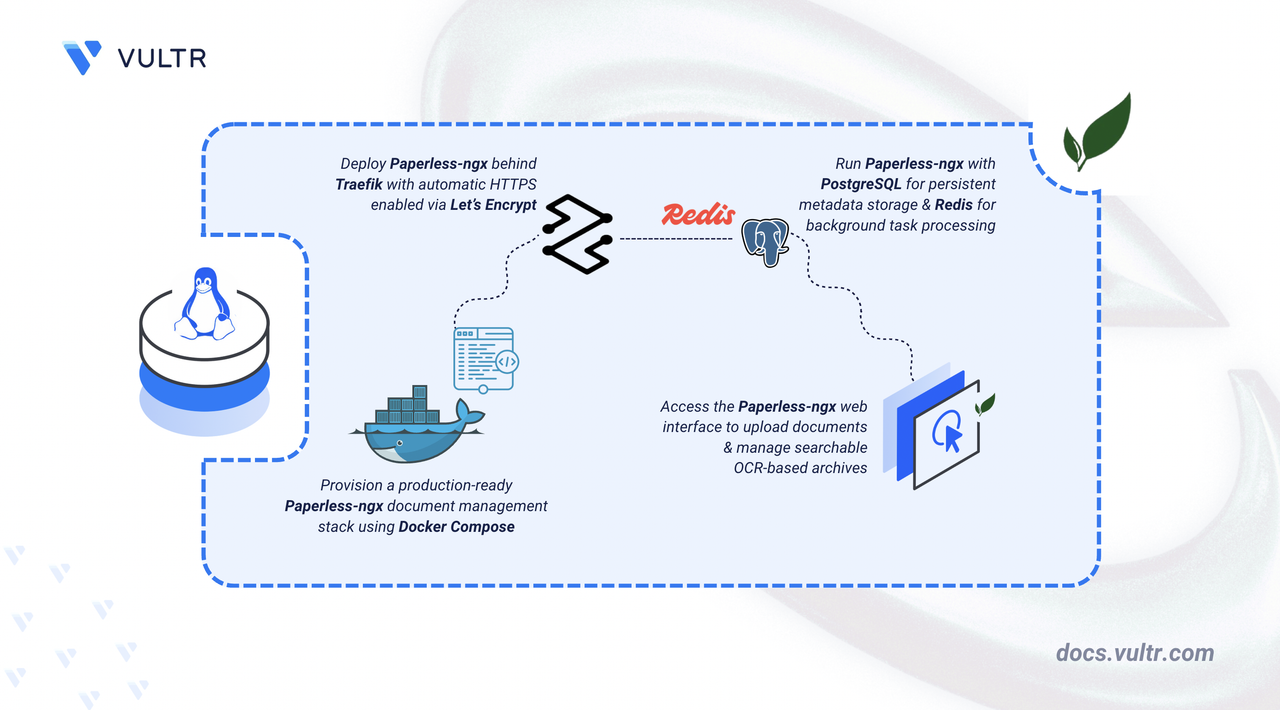
Paperless-ngx is an open-source document management system that transforms physical documents into a searchable archive. It uses Optical Character Recognition (OCR) to extract text from scanned images and PDFs, enabling full-text search across your document library. The web-based interface provides tagging, custom fields, and automated document processing workflows.
This article explains how to deploy Paperless-ngx on a Linux server using Docker Compose. The setup includes PostgreSQL for metadata storage, Redis for task management, and Traefik as a reverse proxy for automatic HTTPS with Let's Encrypt.
Prerequisites
Before you begin, you need to:
- Have access to a Linux-based server (with at least 2 CPU cores and 4 GB of RAM) as a non-root user with sudo privileges.
- Install Docker and Docker Compose.
- Create a DNS A record pointing to your server's IP address (for example,
paperless.example.com).
Set Up the Directory Structure, Configuration, and Environment Variables
Paperless-ngx requires persistent directories for document storage, database files, and TLS certificates. Environment variables configure domain routing, database credentials, and application behavior.
Create the required project directories.
CONSOLENavigate to the project directory.
CONSOLECreate an environment file to store configuration values.
CONSOLEAdd the following environment variables:
INIReplace:
paperless.example.comwith your registered domain name.admin@example.comwith your email address for certificate notifications.CHANGE_TO_RANDOM_STRINGwith a random 32+ character string for Django security.STRONG_PASSWORD_HEREwith a strong database password (use the same value for bothPAPERLESS_DBPASSandPOSTGRES_PASSWORD).
Save and close the file.
Deploy with Docker Compose
The Docker Compose stack runs Paperless-ngx with PostgreSQL for metadata storage and Redis for task queuing. Traefik handles TLS termination and automatic certificate provisioning.
Create the Docker Compose file.
CONSOLEAdd the following manifest:
YAMLSave and close the file.
In the above manifest:
- services: Launches four containers managed by Docker Compose:
- traefik: Acts as the reverse proxy, router, and TLS termination layer.
- db: Hosts the PostgreSQL database for storing document metadata and user accounts.
- redis: Provides a message broker for background task processing and caching.
- paperless: Runs the Paperless-ngx application server with OCR processing.
- image: Specifies the container image for each service.
- container_name: Assigns fixed names to containers for easier identification in logs and management commands.
- command (Traefik): Configures Docker discovery, HTTP and HTTPS entry points, automatic HTTP-to-HTTPS redirection, and Let's Encrypt certificate provisioning via HTTP-01 challenge.
- ports (Traefik): Publishes ports
80and443on the host for external traffic handling. - environment: Passes configuration variables from the
.envfile to each service. - healthcheck (db): Verifies PostgreSQL is ready to accept connections before Paperless starts.
- depends_on (paperless): Delays the Paperless container startup until the db container passes its healthcheck, using the condition: service_healthy constraint to prevent connection errors during initialization.
- expose (paperless): Makes port
8000accessible to Traefik without publishing it directly to the host. - volumes:
- The
./letsencryptbind mount stores TLS certificates persistently across container rebuilds. - The Docker socket (
/var/run/docker.sock) grants Traefik the ability to discover services and update routes dynamically. - Host bind mounts (
./data,./media,./export,./consume,./pgdata) persist application data, uploaded documents, exports, consumption directory, and database files.
- The
- labels (paperless): Registers the container with Traefik and defines routing rules for HTTPS traffic based on the domain name.
- restart: unless-stopped: Ensures containers recover automatically after failures or system restarts unless manually stopped.
- services: Launches four containers managed by Docker Compose:
Launch the containers in detached mode.
CONSOLEVerify that all services are running.
CONSOLEVerify from the output that all containers are in the running state and report a healthy status.
View the logs for the services.
CONSOLEFor more information on managing a Docker Compose stack, see the How To Use Docker Compose article.
Create a superuser account to access the dashboard.
CONSOLEFollow the prompts to set a username, email address, and password for the administrator account.
Access and Configure Paperless-ngx
The Paperless-ngx web interface provides document upload, tagging, search, and automation workflows. After logging in with the superuser account, you can configure correspondents, document types, and custom fields.
Open your web browser and navigate to Paperless-ngx. Replace
paperless.example.comwith your registered domain name.Enter the superuser credentials created in the previous step and click Login.
The dashboard loads with the following panels:
- Documents: The main view showing uploaded documents in a grid or list format.
- Sidebar: Quick filters for tags, correspondents, document types, and storage paths.
- Search: Full-text search across all document content extracted via OCR.
- Upload: Document upload interface accessible from the top navigation bar.
Upload and Process a Document
Paperless-ngx automatically processes uploaded documents using OCR to extract searchable text. The following example demonstrates uploading a scanned document.
Click Upload documents in the top-right corner of the dashboard.
Select a PDF or image file from your local machine and click Open to begin the upload.
Paperless-ngx automatically queues the document for OCR processing using Tesseract with the language defined in your environment configuration. Once processing completes (typically 5-30 seconds depending on document size), the document appears in the main dashboard view.
Click the document thumbnail to open the detail view.
Verify that the Content tab displays the extracted text from the OCR process.
The interface shows the original document on the right with the OCR-extracted text on the left, confirming that the document is now searchable.
Conclusion
You have successfully deployed Paperless-ngx with Docker Compose and enabled automatic HTTPS using Traefik. The platform now provides OCR-based document processing, full-text search, and persistent storage backed by PostgreSQL and Redis. Your configuration ensures data remains intact across container restarts and updates. For advanced configuration options and feature details, visit the official Paperless-ngx documentation.


0 Comments
Be the first to comment and share your perspective with the community.