How to Deploy Tempo – Distributed Tracing Backend
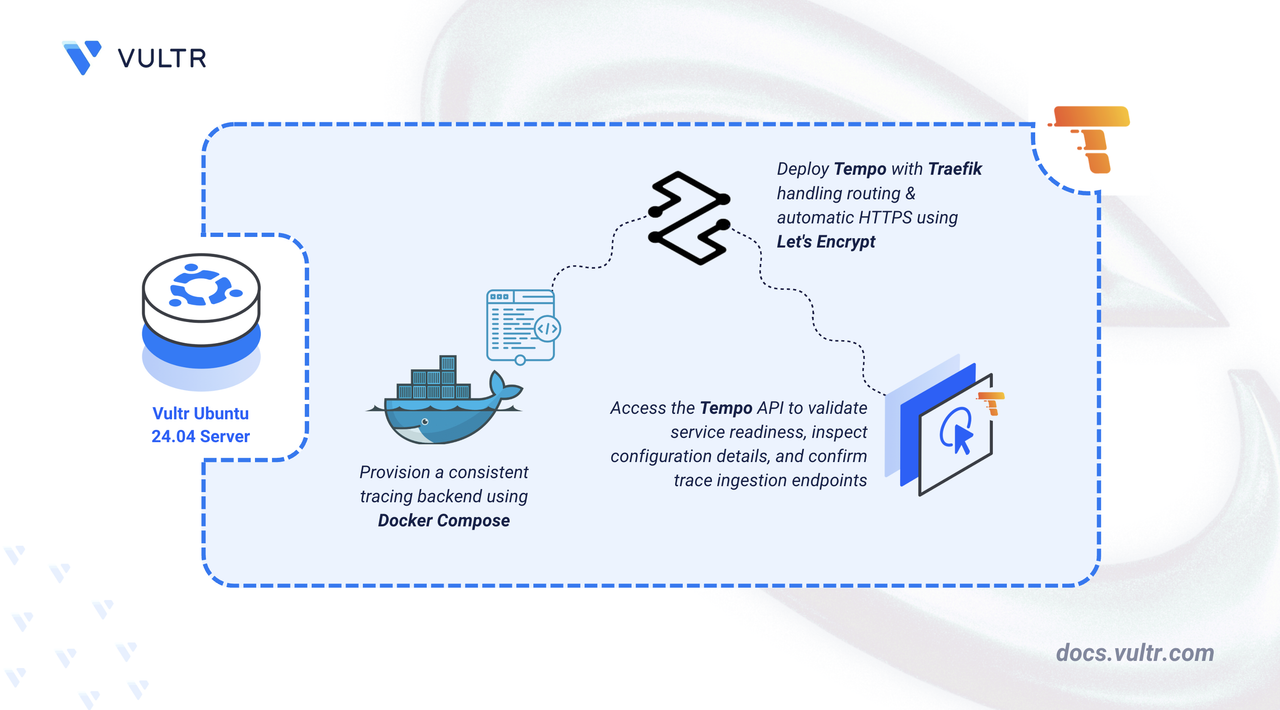
Tempo is an open-source distributed tracing backend that stores and queries traces from your applications. It integrates seamlessly with distributed systems to help you understand request flows, identify performance bottlenecks, and troubleshoot issues across microservices architectures. Tempo requires only object storage and is designed for cost-efficient, high-volume trace data.
In this article, you will deploy Tempo using Docker Compose, configure persistent storage for trace data, and set up Traefik as a reverse proxy to securely access your Tempo instance.
Prerequisites
Before you begin, you need to:
- Have access to an Ubuntu 24.04-based server as a non-root user with
sudoprivileges. - Install Docker and Docker Compose.
- Configure a domain A record pointing to your server's IP address (for example,
tempo.example.com).
Set Up the Directory Structure and Environment Variables
In this section, you prepare the required directory structure for Tempo and define environment variables in a .env file.
Create the directory structure for Tempo.
CONSOLEThese directories store Tempo's trace blocks and configuration files.
Navigate into the
tempo-tracingdirectory.CONSOLESet proper ownership for the Tempo data directory. Tempo runs as the
tempouser (UID 10001) inside the container.CONSOLECreate a
.envfile.CONSOLEAdd the following variables:
INIReplace:
tempo.example.comwith your domain.admin@example.comwith your email.
Save and close the file.
Create a Tempo configuration file.
CONSOLEAdd the following content.
YAMLSave and close the file.
This configuration enables trace ingestion via Jaeger and OpenTelemetry protocols, configures local filesystem storage for trace data, and sets a 7-day retention period. The distributor accepts traces in multiple formats while the storage backend persists them to the mounted data directory.
Deploy with Docker Compose
In this section, you create and deploy the Docker Compose stack that runs Tempo behind Traefik. Docker Compose manages both containers, applies the environment variables from your .env file, and automatically configures HTTPS routing through Traefik.
Create a new Docker Compose manifest.
CONSOLEAdd the following content.
YAMLSave and close the file.
Key components in this configuration:
- services: Two cooperating containers implement the tracing backend:
- traefik: Handles HTTP/HTTPS traffic, automatically obtains Let's Encrypt certificates, and proxies requests to Tempo.
- tempo: Collects trace spans, archives them for querying, and exposes APIs for retrieval.
- image: Container registries on Docker Hub supply the official images.
- container_name: Static naming facilitates service identification during debugging and administrative operations.
- command (Traefik): Establishes behavior including Docker integration, port configuration (80/443), protocol enforcement (HTTPS), and automated Let's Encrypt certificate requests via HTTP validation.
- command (Tempo): Identifies the configuration file path for service initialization.
- ports (Traefik): Binds host ports 80 and 443 for client connectivity.
- expose (Tempo): Makes multiple ports accessible within the container network without public exposure. Port 3200 handles HTTP queries, while ports 4317, 4318, 14250, and 14268 receive trace data from different protocol implementations.
- volumes:
- File system mounts ensure configuration and trace storage persists beyond container lifecycles.
- Certificate information survives container recreation through the
letsencryptnamed volume. - Traefik accesses Docker's control socket to perform automatic service detection and routing updates.
- labels (Tempo): Traefik routing metadata that enables proxy behavior, associates domain names with backends, designates the TLS provider, and specifies port 3200 for load balancing.
- restart: unless-stopped: Maintains service continuity by auto-restarting containers following failures or reboots, except when manually terminated.
- services: Two cooperating containers implement the tracing backend:
Create and start the services.
CONSOLEVerify that the services are running.
CONSOLEOutput:
Both containers are running successfully. Tempo is ready to accept trace data while Traefik accepts connections on ports
80and443.View the logs of the services.
CONSOLEFor more information on managing a Docker Compose stack, see the How To Use Docker Compose article.
Access Tempo
In this section, you access the Tempo API to verify your installation by checking service readiness and querying available trace endpoints.
Check the service readiness endpoint.
CONSOLEOutput:
This confirms Tempo is operational and accepting requests.
Query the service status to view configuration details.
CONSOLEOutput displays Tempo's current configuration, including enabled modules, storage backend, and ingestion settings. This endpoint is useful for verifying your deployment configuration.
Check the build information to verify the Tempo version.
CONSOLEOutput:
This confirms Tempo is responding correctly to API requests and displays version information for troubleshooting purposes.
Conclusion
You have successfully deployed Tempo for distributed tracing with HTTPS encryption. The Docker Compose architecture delivers both the tracing backend and reverse proxy with filesystem persistence ensuring trace data durability. Let's Encrypt automation maintains valid certificates while Traefik performs intelligent traffic management. Tempo now stands ready to accept distributed trace spans from microservices using Jaeger, OpenTelemetry, or alternative instrumentation frameworks through its protocol-agnostic ingestion APIs.




0 Comments
Be the first to comment and share your perspective with the community.