How to Deploy Jina Serve – Open-Source Neural Search and AI Serving Framework
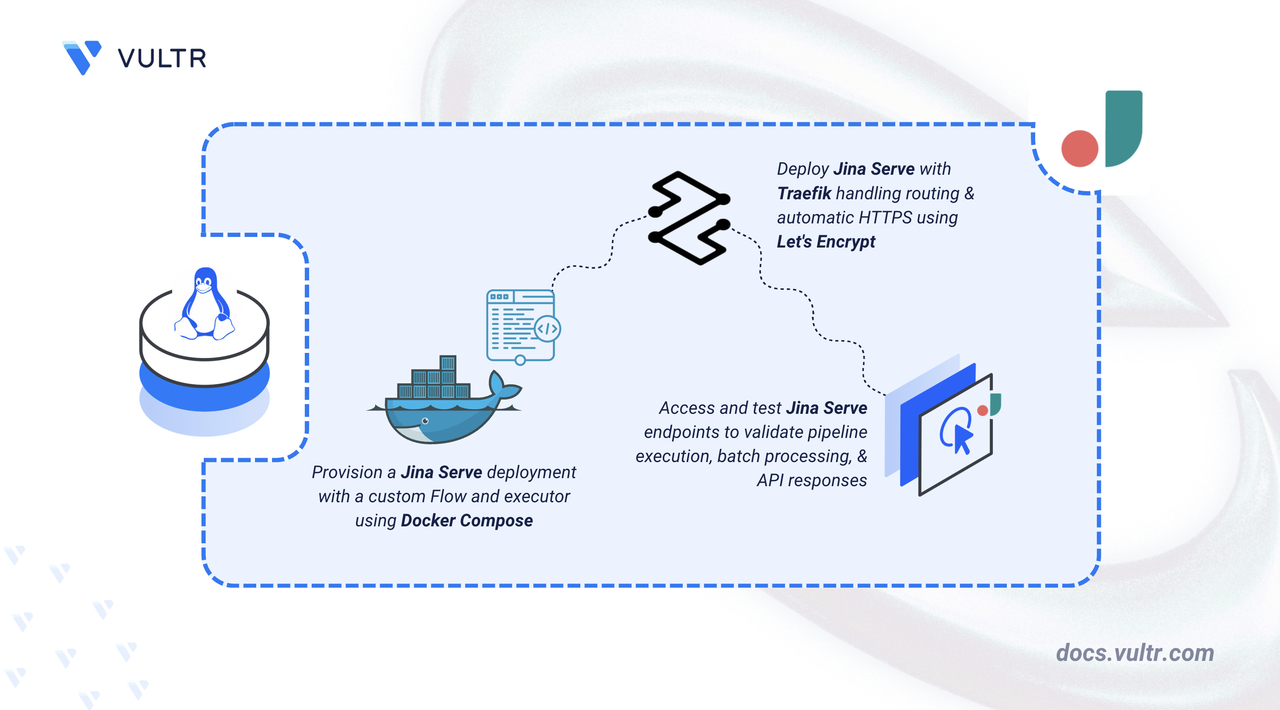
Jina Serve is an open-source framework for building neural search and multimodal AI applications. It provides a cloud-native architecture for managing AI workloads including high-latency inference, dynamic batching, async streaming, and microservice orchestration. Jina handles the infrastructure layer so you can focus on building AI pipelines rather than managing service communication.
This article explains how to deploy Jina Serve on a Linux server using Docker Compose. It covers directory setup, environment configuration, Traefik reverse proxy integration for automatic HTTPS, and demonstrates the deployment by running a sample service and sending test queries.
Prerequisites
Before you begin, you need to:
- Have access to a Linux-based server (with at least 2 CPU cores and 4 GB of RAM) as a non-root user with sudo privileges.
- Install Docker and Docker Compose.
- Create a DNS A record pointing to your server's IP address (for example,
jina.example.com).
Set Up the Directory Structure, Configuration, and Environment Variables
Jina Serve runs as a containerized Flow that automatically wires the gateway and executors together. The project directory stores the Flow configuration, executor code, and environment variables.
Create the project directory structure for Jina Serve.
CONSOLEThis directory stores the Docker Compose configuration, environment variables, and executor code.
Navigate to the project directory.
CONSOLECreate a simple text processing executor.
CONSOLEAdd the following configuration:
PYTHONSave and close the file.
Create the executor requirements file.
CONSOLEAdd the following dependencies:
TEXTSave and close the file.
Create the executor configuration file.
CONSOLEAdd the following configuration:
YAMLSave and close the file.
Create the Flow configuration file. This defines the processing pipeline and wires the executor to the gateway automatically.
CONSOLEAdd the following configuration:
YAMLSave and close the file.
Create the Dockerfile to build the Jina Flow container.
CONSOLEAdd the following configuration:
DOCKERFILESave and close the file.
Create the environment configuration file.
CONSOLEAdd the following configuration:
INIReplace:
jina.example.comwith your registered domain name.admin@example.comwith your email address for Let's Encrypt notifications.
Save and close the file.
Deploy with Docker Compose
The deployment stack consists of two services: Traefik handles reverse proxy and automatic TLS certificate management via Let's Encrypt, and the Jina Flow runs the gateway and executor in a single container with automatic wiring.
Create the Docker Compose configuration file.
CONSOLEAdd the following configuration:
YAMLSave and close the file.
In the above manifest:
- services: Launches two containers managed by Docker Compose:
- traefik: Functions as the reverse proxy and TLS termination point.
- jina: Runs the Jina Flow which automatically wires the gateway and TextProcessor executor together.
- build (jina): Builds the container from the root Dockerfile which packages the Flow configuration and executor code.
- expose (jina): Makes port
8080available internally for Traefik routing without exposing it to the host network. - volumes: The
./letsencryptbind mount stores TLS certificates persistently across container restarts. - labels (jina): Instructs Traefik to route HTTPS traffic for the configured domain to the Jina Flow on port
8080. - restart: unless-stopped: Configures containers to restart automatically after crashes or server reboots, unless explicitly stopped.
- services: Launches two containers managed by Docker Compose:
Build and start the containers in detached mode.
CONSOLEVerify that all containers are running.
CONSOLEThe output displays two running containers: the Jina Flow and Traefik with ports 80 and 443 exposed.
View the logs for the services.
CONSOLEFor more information on managing a Docker Compose stack, see the How to Use Docker Compose article.
Access and Configure Jina Serve
The Jina Flow exposes HTTP endpoints for health checks and document processing operations. Traefik routes HTTPS traffic to the Flow and provisions TLS certificates from Let's Encrypt.
Run the following command to verify that the gateway is accessible. Replace
jina.example.comwith your configured domain name.CONSOLEOutput:
Open your web browser and navigate to
https://jina.example.com/status, replacingjina.example.comwith your configured domain name.The page displays the status JSON, confirming HTTPS routing through Traefik is working correctly.
Test the Deployment
Jina processes documents through the executor pipeline defined in the Flow configuration. Send test queries to verify the deployment is working correctly.
Send a test document to the
/indexendpoint. Replacejina.example.comwith your configured domain name.CONSOLEOutput:
The executor converts the input text to uppercase, confirming the pipeline is functional.
Send a test document to the
/searchendpoint.CONSOLEOutput:
The search endpoint returns the document unchanged, demonstrating multiple endpoints on a single executor.
Test with multiple documents in a single request.
CONSOLEOutput:
Jina processes all documents in a single batch, demonstrating the framework's batch processing capability.
Conclusion
You have deployed Jina Serve on your server using Docker Compose with Traefik for automatic HTTPS. The Flow configuration automatically wires the gateway and executor together, eliminating manual topology management. Jina supports building more complex pipelines by adding additional executors, enabling GPU acceleration, and integrating with vector databases for neural search applications. For advanced configuration, executor development, and Flow orchestration, visit the official Jina documentation.


0 Comments
Be the first to comment and share your perspective with the community.